
Installing SFP and SFP+ Transceiver Modules
SFP transceiver modules can have three types of latching devices to secure an SFP transceiver module in a port socket: •Figure 4 shows an SFP trans...
Search optical fiber, connectivity, cable management and network infrastructure references.
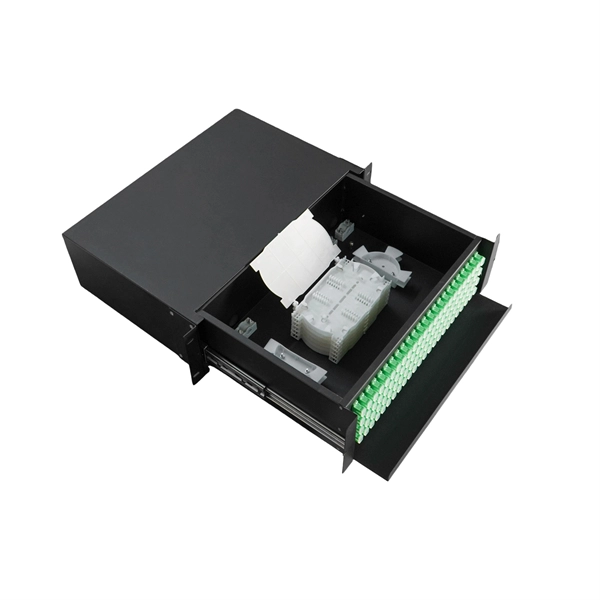
The 8 Port Fiber Patch Panel is a compact wall mount enclosure designed for indoor fiber optic distribution. It supports up to 8 adapter ports, compatible with SC, LC, FC, and ST adapters, providing efficient fiber termination and management. This guide provides a fully...
[PDF Version]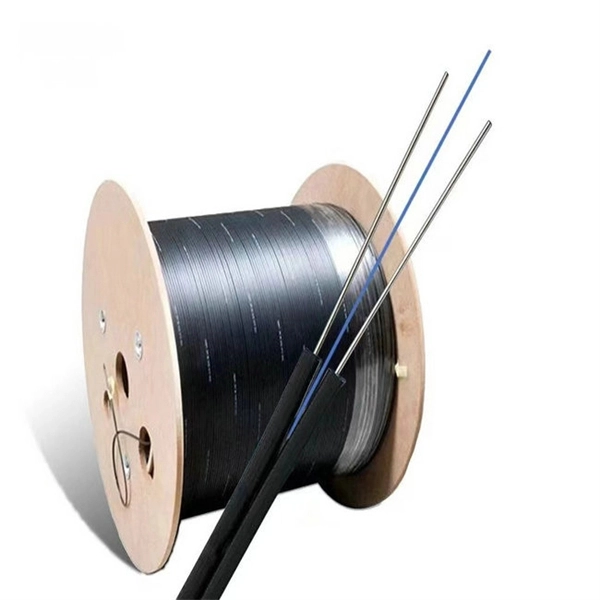
MPO (Multi-Fiber Push-On) patch cords are multi-fiber connectors that bring together 8, 12, 16, 24, or even more fibers into a single compact interface. By doing so, they dramatically reduce cabling bulk, streamline deployment, and enable plug-and-play connections in...
[PDF Version]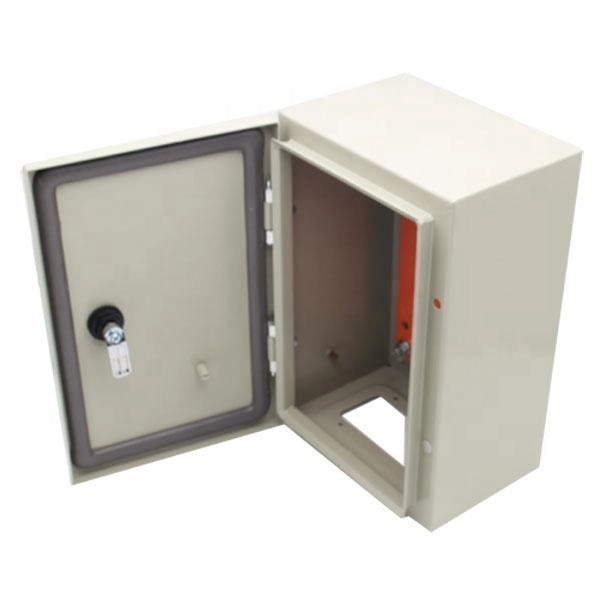
The Norden ODF (Optical Distribution Frame) rack-mounted patch panel is compatible with the most advanced splice and patch system, as well as cable management solutions, designed for high-density applications on the carrier and transmission sides. High-Quality Fiber Optic...
[PDF Version]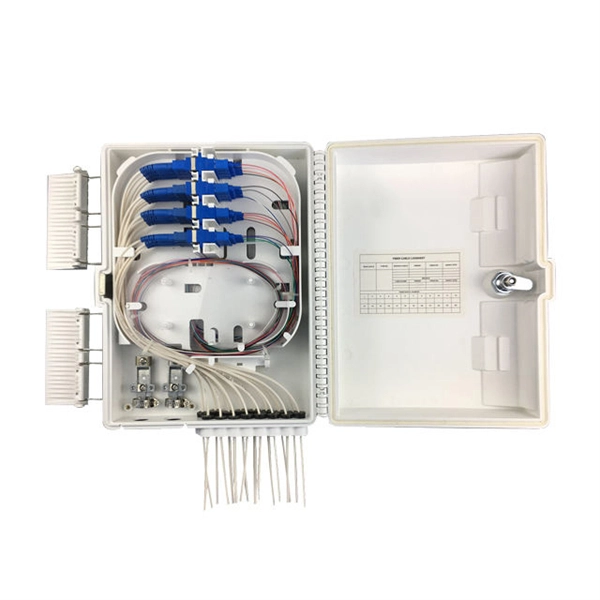
If there is no light, please check the yellow fiber patch cable with green tips connected to the back of the unit (the side with ports). So, if you're upgrading or replacing equipment and your network goes down, there's a good chance that the problem lies in a piece of...
[PDF Version]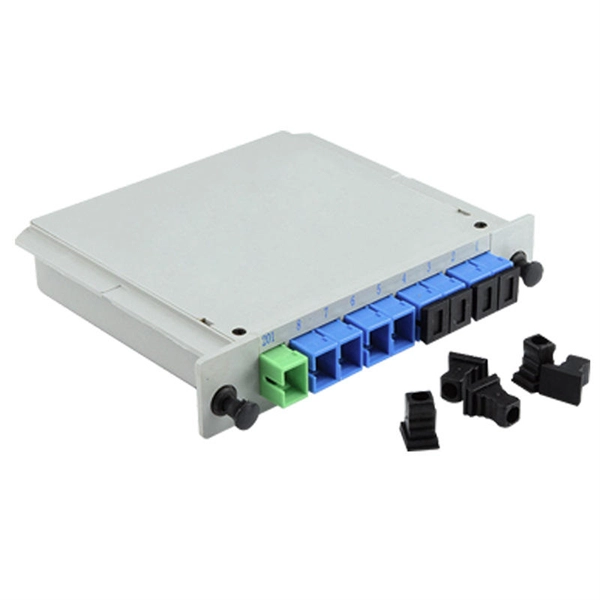
Corning Cable System's Closet Connector Housing (CCH) fiber optic patch panels fit into a 19 inch and 23 inch utility racks. A successful project begins with careful planning. The fiber optical patch panel is convenient for people to easily access the optical fiber cable in...
[PDF Version]
The Fiber Optic Patch Panels (ODFs) are connector panels installed into 19“ or 21“ rack cabinets in data centers and server rooms. In the ODFs, fibers are terminated with pigtails and SC, LC. This 2026 expert guide explains the functions, placement, structure, and application...
[PDF Version]
How to Install and Remove Optical Modules SafelyInstall optical modules safely with ESD protection, proper handling, and dust control. Follow these steps t.
[PDF Version]SFP transceiver modules can have three types of latching devices to secure an SFP transceiver module in a port socket: •Figure 4 shows an SFP trans...
If you are removing an SFP or SFP+ transceiver module, follow these steps: Step 1 Attach an ESD-preventive wrist strap to your wrist and to the ESD...
For information on obtaining documentation, submitting a service request, and gathering additional information, see the monthly What's New in Cisco...
That small USB port on your router is more than a simple connector for basic functions. It can transform your network by enabling file sharing, media streaming, device charging, backup internet, and printer sharing capabilities. We'll tell you. The answer to that question...
[PDF Version]Share the fiber interfaces, termination capacity, cable route and evidence required for handover.