
Amazon Fiber Optic Router
Search optical fiber, connectivity, cable management and network infrastructure references.
- Amazon
- Fiber
- Optic
Articles and technical references
9 on this page-
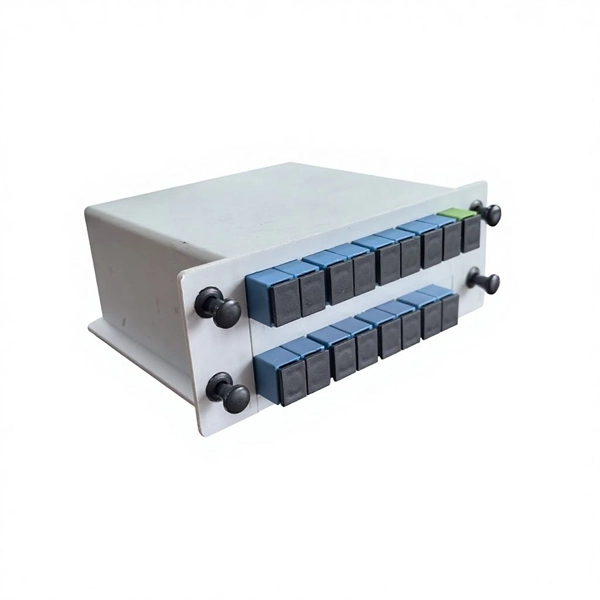
What is the function of the USB port in a fiber optic router
That small USB port on your router is more than a simple connector for basic functions. It can transform your network by enabling file sharing, media streaming, device charging, backup internet, and printer sharing capabilities. We'll tell you. The answer to that question...
[PDF Version]
-
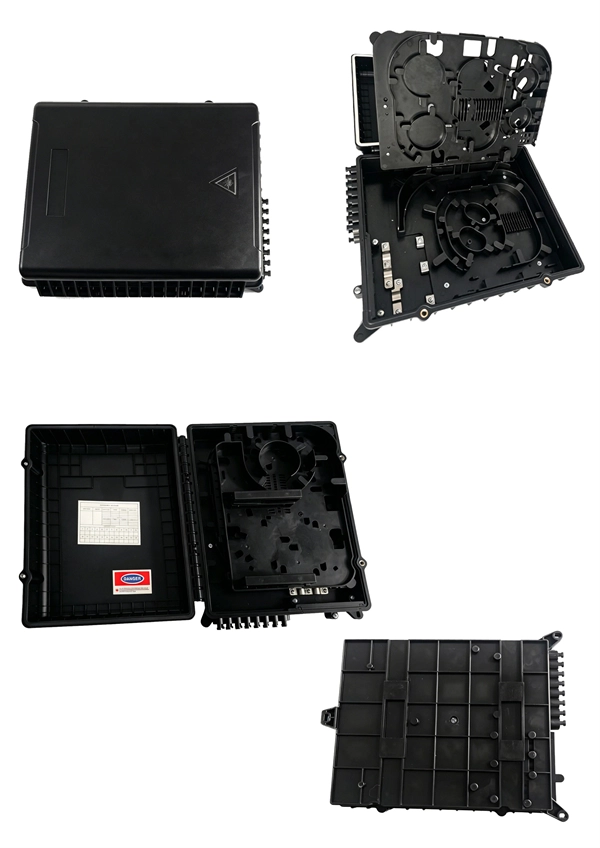
What to do if you have a direct fiber optic connection but no router
To get WiFi at home without a router, you can: Use a mobile hotspot from your smartphone or a hotspot device. Enable Wi-Fi sharing or tethering on a laptop connected to the internet. Use a modem with built-in Wi-Fi provided by your ISP. As fast as 1,000 megabits per second...
[PDF Version]
-
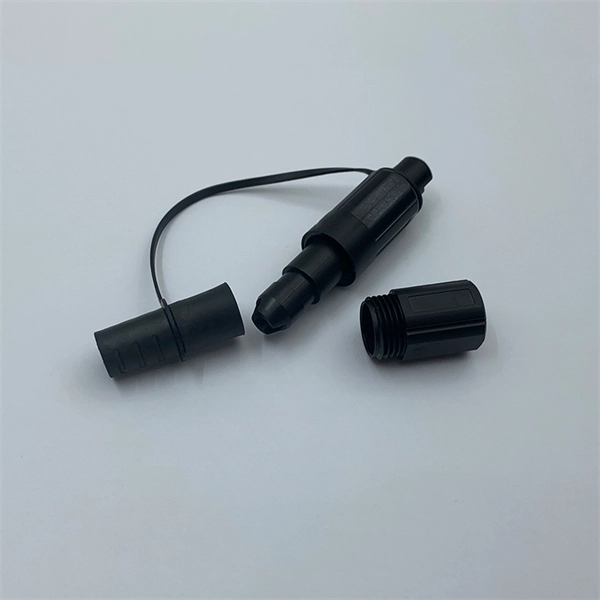
200m fiber optic cable connected to router becomes 100m
This happens when the signal weakens as it travels through the cable, leading to slower data transmission and unreliable connections 1. The most common problems usually fall into four categories: Physical Layer: Transmission Performance: Equipment and Module Failures:. Fiber...
[PDF Version]
-
How to bind a fiber optic router
To set up your router for fiber internet quickly, connect the router to your fiber modem, access the router's settings via a web browser, and input the provided ISP credentials. Make sure to update the firmware, configure Wi-Fi security, and customize your network name for...
-
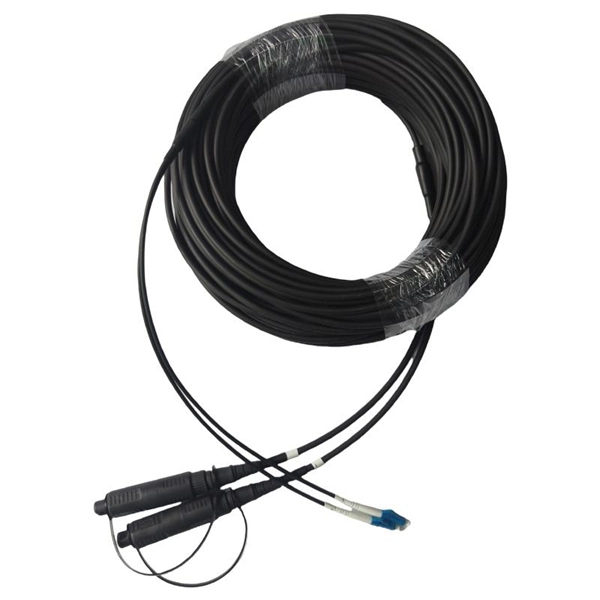
How to pull out the fiber optic cable from the router
LC Connectors: Press the latch mechanism and gently pull the connector out. This guide outlines proper methods to safely remove fiber optic cable from modems in your home or office. As an experienced technology writer who has covered broadband advancements for over a decade...
[PDF Version]
-
Router connected to fiber optic transmission
Yes, a router can work with fiber optic internet. The router connects to a fiber optic modem or Optical. The expansion of fiber optic internet into homes provides faster speeds and greater connection reliability than traditional copper-based services. Data travels as light...
[PDF Version]
-
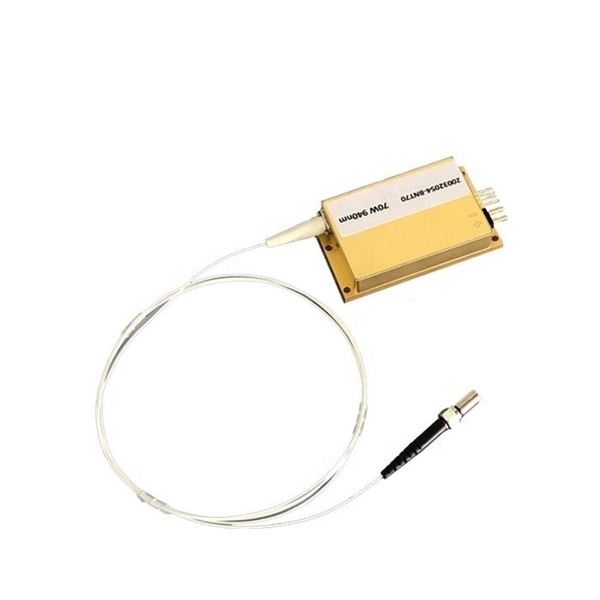
Why is the fiber optic light on the router
This light indicates the connection between your ONT and your router or computer. Flashing Green/Blue: Data is being transmitted. What to check: Ensure the Ethernet cable is firmly. The LEDs on your modem, optical network terminal (ONT), router, or modem/router combo...
-
First-time router setup for fiber optic cable
To set up your router for fiber internet quickly, connect the router to your fiber modem, access the router's settings via a web browser, and input the provided ISP credentials. Compatible router: Verify that your router supports fiber optic input (look for an SFP or WAN port...
[PDF Version]
-
How to increase speed on a router without fiber optic cable
While you can always try low-cost approaches like using an aluminum foil hack to boost a weak Wi-Fi signal, the better solution is to upgrade your equipment. But before you consider upgrading your router, maybe to one of those fancy mesh networks, there are a few things you...