
Cisco Optics Transform Your Network
Search optical fiber, connectivity, cable management and network infrastructure references.
- Cisco
- Optics
- Transform
Articles and technical references
7 on this page-

How to configure an H3C switch for network cable connection
In this video, we cover H3C switch configuration, including basic setup, VLAN configuration, IP address assignment, port settings, and switch management. This chapter describes how to connect your switch to a network. After login, you can configure remote access methods...
[PDF Version]
-

Pii network security equipment
PII data discovery tools are automated systems designed to scan every corner of your infrastructure, from cloud storage and databases to endpoints and collaboration platforms like Slack. They don't just find hidden PII; they classify it by risk level and monitor access in...
[PDF Version]
-
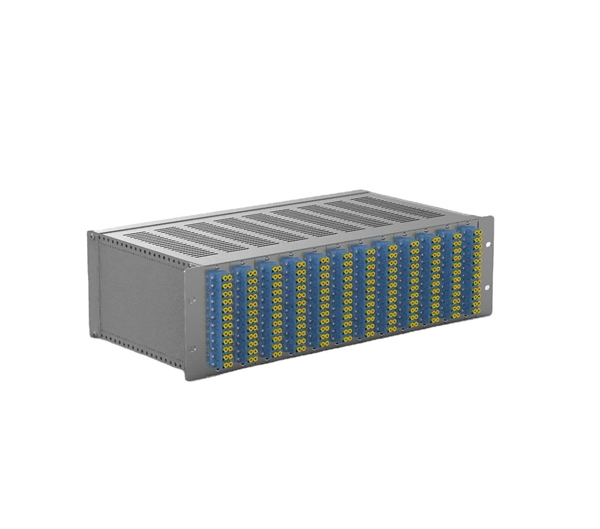
Does the Huawei 6730 core switch have network ports
These switches offer high-speed 10 Gigabit Ethernet (10 GE) downlink ports and 40 GE uplink ports, making them ideal for high-density server access and as core or aggregation switches in campus networks. The following models are available in the CloudEngine S6730-H-V2 series...
[PDF Version]
-
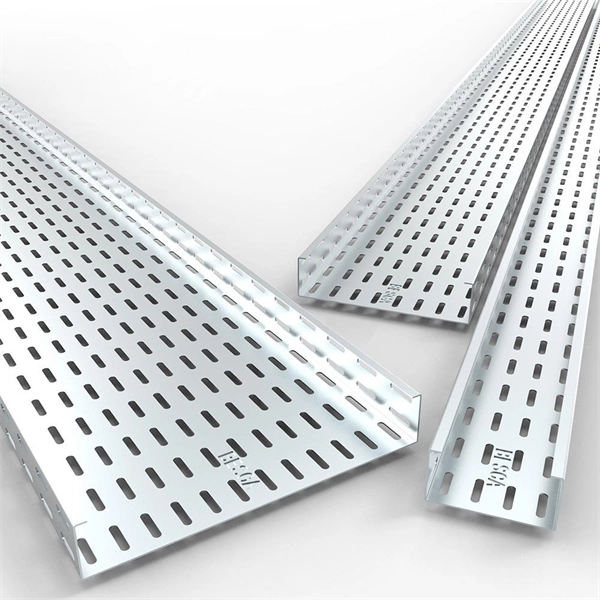
Epon Device Product Introduction and Network Structure
It consists of Optical Line Terminals (OLT), and more than one Optical Network Units (ONUs) and connected through the Optical Distribution Network (ODN). The ODN is an optical access network without any active electronic devices between OLT and ONU. PON was raised in. PON...
[PDF Version]
-
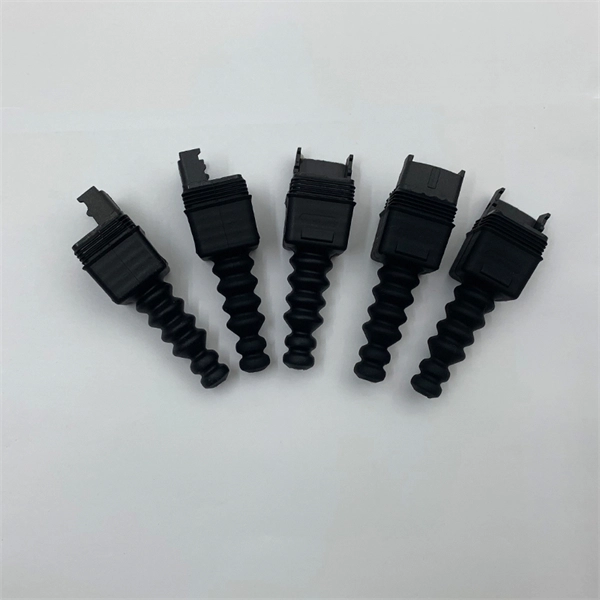
Network Rack Detailed List
A networking rack, often referred to as an equipment rack, stands as a foundational component in the realm of network infrastructure. Crafted from durable metal, its primary role is to securely hous.
-
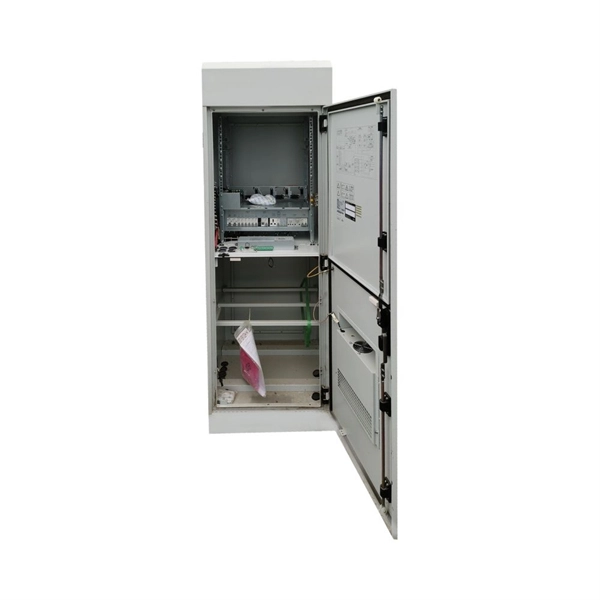
Best equipment for fusion splicing fiber optics
The best splicers offer core alignment, fast splice times, durable designs, and smart features like cloud syncing and automated calibration. These precision machines permanently join optical fiber ends, creating seamless connections that carry our internet, phone, and video...
-
How to determine the location of a network server rack
A rack diagram is a visual layout that shows how equipment like servers, switches, patch panels, and power units are arranged inside a rack. It maps out exactly where each device sits by rack unit (U) height, giving you a clear front (and sometimes back) view of your setup...