
Cisco Switch Selector
Search optical fiber, connectivity, cable management and network infrastructure references.
- Cisco
- Switch
- Selector
Articles and technical references
9 on this page-
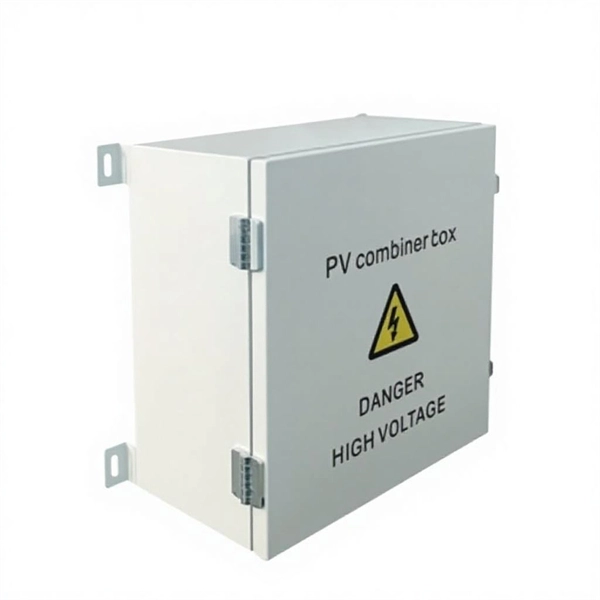
Cisco Core Switch Port Aggregation
In order to configure 2 or more ports (up to 8) to be a port aggregate, simply navigate to Switching > Monitor > Switch ports and select the target ports, then choose "Aggregate". It is recommended that you do not have the target ports physically connected to anything during...
[PDF Version]
-
Cisco Optical Port Switch
Cisco Catalyst PON Series switches extend the power of Catalyst switches to passive optical network infrastructure. Additionally, identifying module information helps detect coding. A passive optical network (PON) or Gigabit Passive Optical Network (GPON) is a...
[PDF Version]
-

Core Switch in Cisco Topology
It is the top tier of the classic Cisco three-tier hierarchical network model, designed to organize complex IT environments into manageable, scalable, and predictable layers. (For next-generation data center layouts, see our guide on Spine-Leaf Architecture vs. Traditional...
[PDF Version]
-
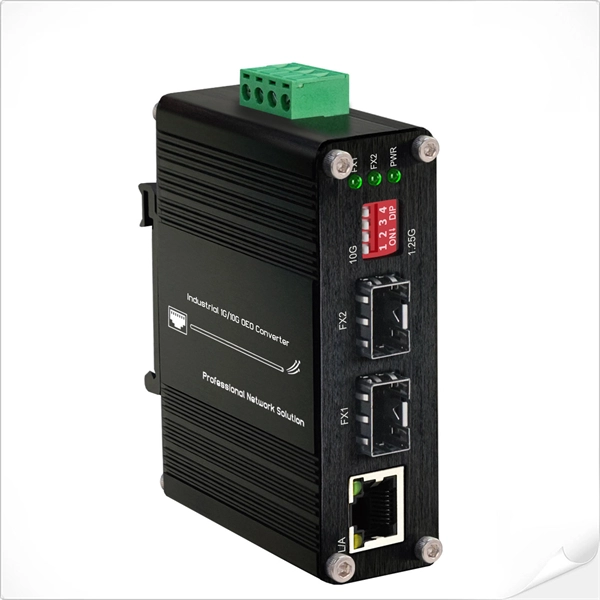
ONU can act as an aggregation connection to the original switch
With the modes balance-rr, balance-xor, broadcast and 802.3ad, all physical ports in the link aggregation group must reside on the same logical switch, which, in most common scenarios, will leave a single point of failure when the physical switch to which all links are...
-
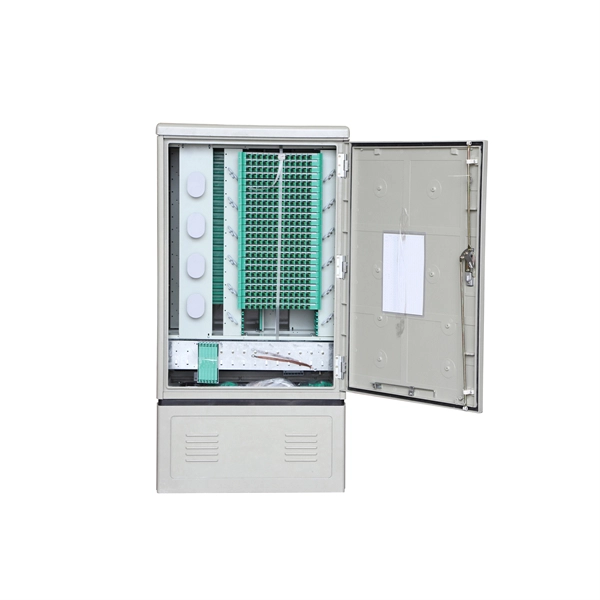
Monitoring PoE Switch Requirements
This tool checks if your PoE switch can power a given number of devices (e., IP cameras, access points) based on each device's power draw and the switch's total PoE budget. Power monitoring works with Cisco intelligent power management and CDP-based power consumption features...
[PDF Version]
-
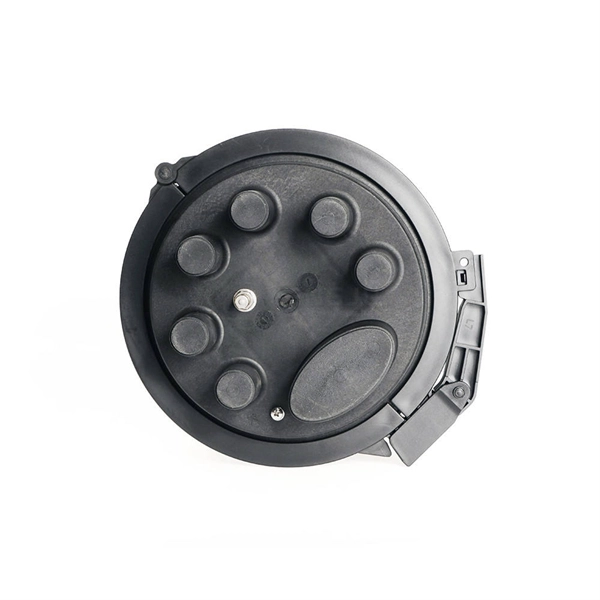
How to configure an H3C switch for network cable connection
In this video, we cover H3C switch configuration, including basic setup, VLAN configuration, IP address assignment, port settings, and switch management. This chapter describes how to connect your switch to a network. After login, you can configure remote access methods...
[PDF Version]
-

PoE switch cannot be pinged
Insufficient Power - First, check the powering switch, its power management configuration, and if it's working properly. On which port is the laptop connected and on which port is the server connected? From switch CLI, can you paste the output of following commands: From your...
[PDF Version]
-
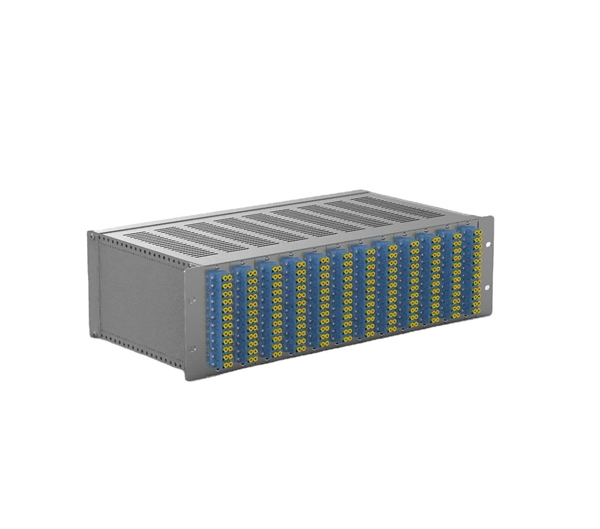
Does the Huawei 6730 core switch have network ports
These switches offer high-speed 10 Gigabit Ethernet (10 GE) downlink ports and 40 GE uplink ports, making them ideal for high-density server access and as core or aggregation switches in campus networks. The following models are available in the CloudEngine S6730-H-V2 series...
[PDF Version]
-
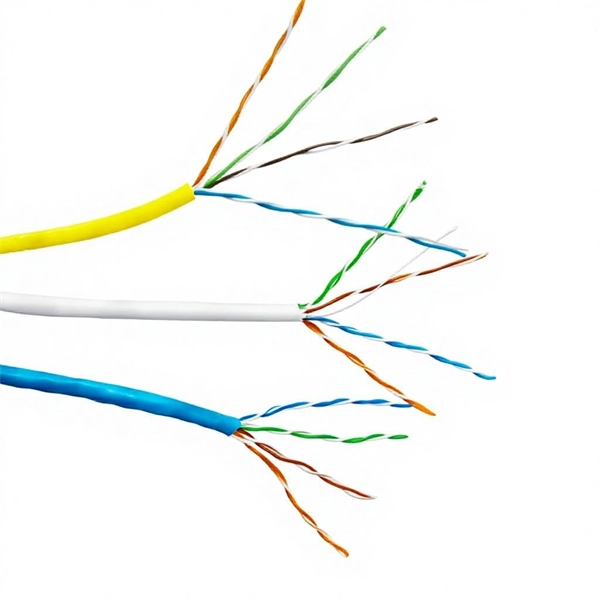
Two routers are connected to one VLAN switch
Router-on-a-Stick topology is a traditional method of Inter VLAN Routing. In this method, a Layer 3 device (router or multilayer switch) is used and connected to a Layer 2 switch through a single physical interface. One "stick" (VLAN trunk aggregate ae1 ) connects to the...
[PDF Version]