
Core Switch 2 64 V4 1 Installation Guide
Search optical fiber, connectivity, cable management and network infrastructure references.
- Core
- Switch
- Installation
Articles and technical references
8 on this page-
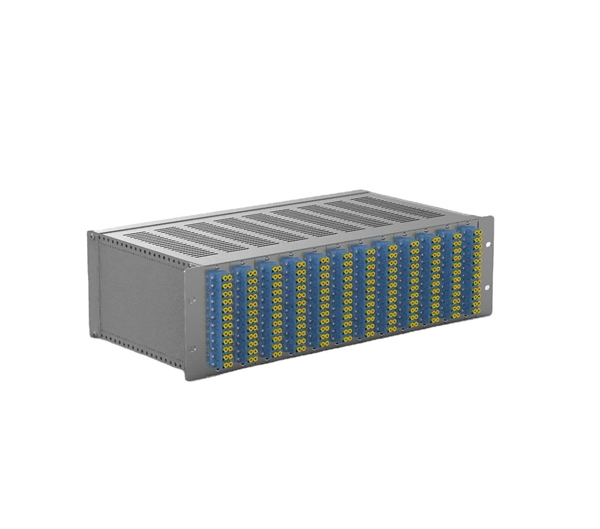
Does the Huawei 6730 core switch have network ports
These switches offer high-speed 10 Gigabit Ethernet (10 GE) downlink ports and 40 GE uplink ports, making them ideal for high-density server access and as core or aggregation switches in campus networks. The following models are available in the CloudEngine S6730-H-V2 series...
[PDF Version]
-
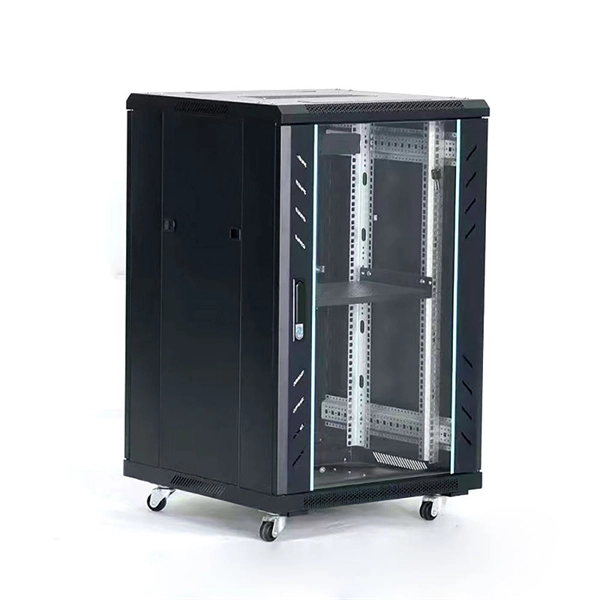
Ce16804 Core Switch Self-operated
High-capacity Huawei CE16804 data center switch with 24 Ethernet ports, 598Gbps switching, PoE support, and modular design for campus networks. CloudEngine 12800&16800 Series CE16804: Access product manuals, HedEx documents, product images and visio stencils. It has an. The...
[PDF Version]
-
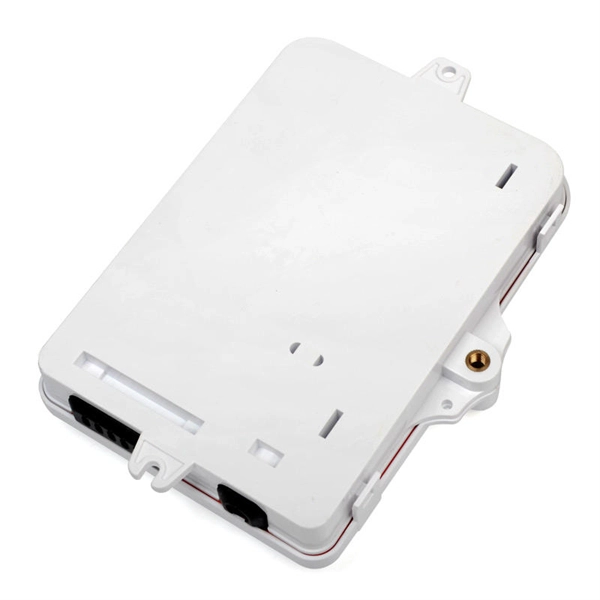
Where to install the core switch in the rack
Note: Core switches should be installed in a central location that meets cable distance requirements for the media used between core and access switches. The process of installing the switch can be broken down into a series of tasks as shown in the following figure: This...
[PDF Version]
-
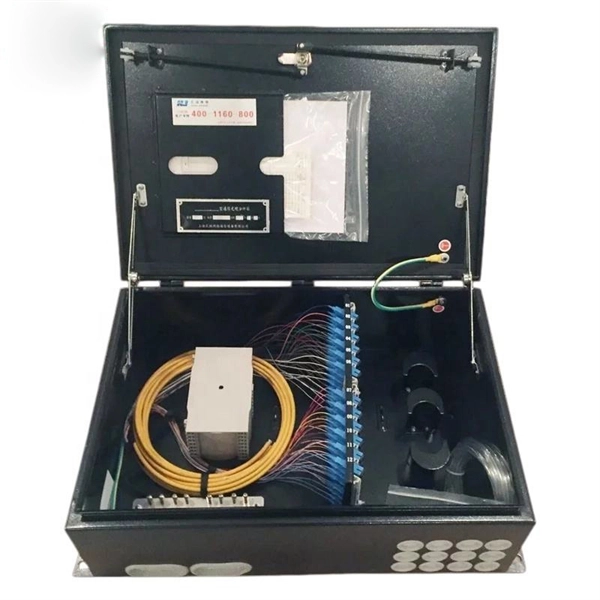
Core Functions of a 10 Gigabit Switch
10 Gigabit Ethernet (10GE, 10GbE, or 10 GigE) is a group of technologies for transmitting at a rate of 10. It was first defined by the standard. Unlike previous Ethernet standards, 10GbE defines only point-to-point links which are generally connected by ; shared-medium...
-
Core Switch Capabilities
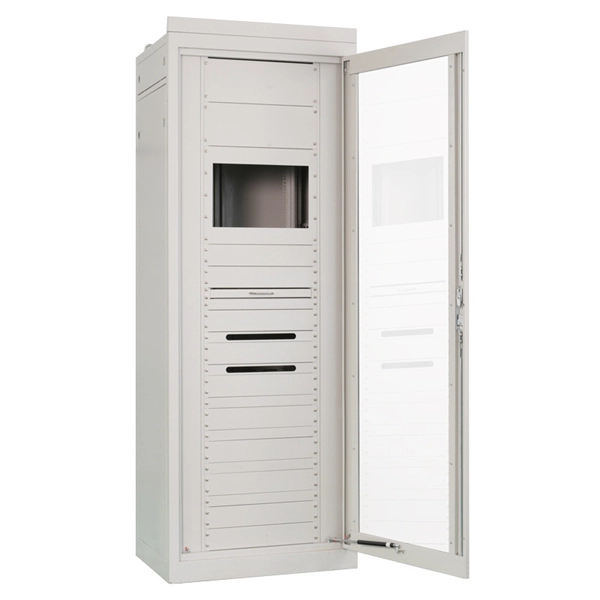
Enables IP routing between VLANs, subnets, and security zones, with advanced routing protocols. Modular chassis or stackable designs make it easy to scale as your network. A core switch is the backbone of a large-scale network, designed to handle massive volumes of traffic...
[PDF Version]
-
Can a core Layer 3 switch replace a router
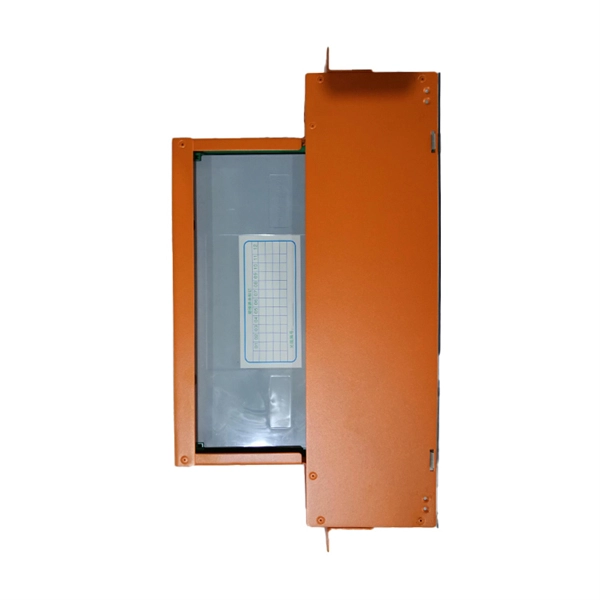
Due to limitations in WAN connectivity, security, and advanced routing, a Layer 3 switch cannot fully substitute a router. In practice, the right approach is not to choose one over the other, but to deploy each device at the appropriate layer of the network architecture. A...
-
Installation method of timer switch in distribution box
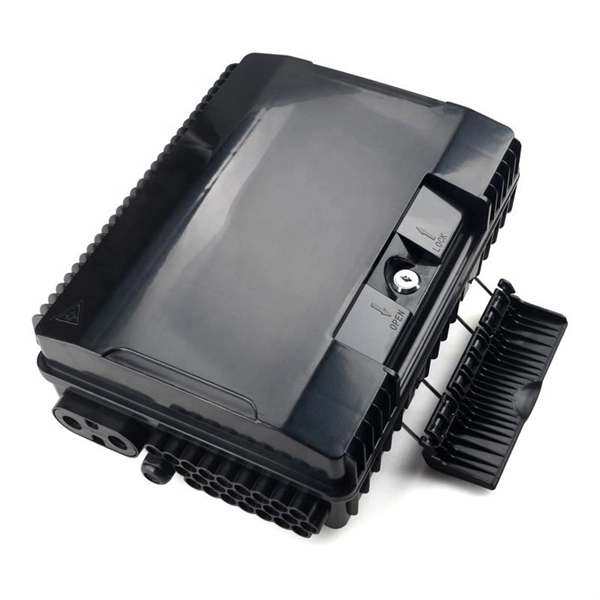
Connect wires to the timer switch: hot wire to “L”, neutral to “N”, and load wire to “Load” or “Out”. Secure all connections using wire nuts or terminal screws. Restore power and test the switch's. To properly install a timer switch, follow these key steps: Turn off power at...
[PDF Version]
-
Cisco Core Switch Port Aggregation
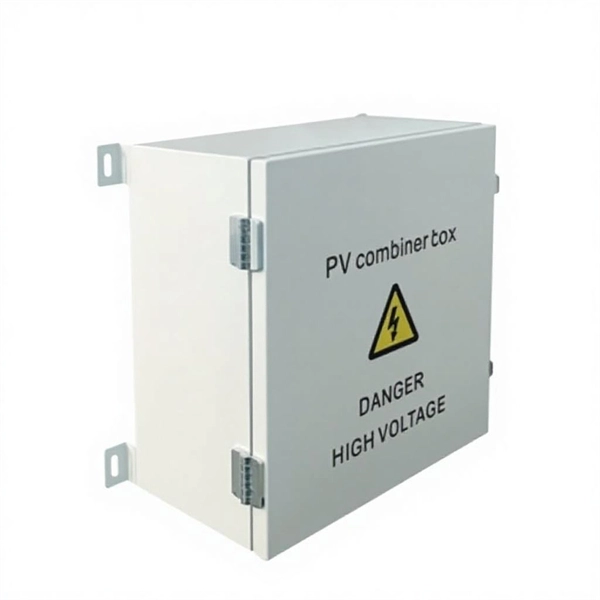
In order to configure 2 or more ports (up to 8) to be a port aggregate, simply navigate to Switching > Monitor > Switch ports and select the target ports, then choose "Aggregate". It is recommended that you do not have the target ports physically connected to anything during...
[PDF Version]
Continue in the technical library
- Is the concealed electrical distribution box grounded
- Introduction to Optical-to-Electro-optical Modules
- Temperature and humidity requirements for cold aisle in computer room
- Customized Edge Data Center IP65
- Relay Protection Experimental Power Supply Device
- Best equipment for fusion splicing fiber optics