
Core Switch Reboot
Search optical fiber, connectivity, cable management and network infrastructure references.
- Core
- Switch
- Reboot
Articles and technical references
7 on this page-
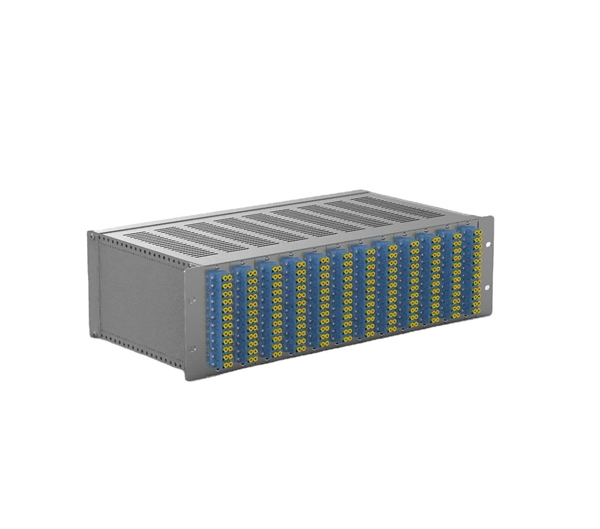
Does the Huawei 6730 core switch have network ports
These switches offer high-speed 10 Gigabit Ethernet (10 GE) downlink ports and 40 GE uplink ports, making them ideal for high-density server access and as core or aggregation switches in campus networks. The following models are available in the CloudEngine S6730-H-V2 series...
[PDF Version]
-
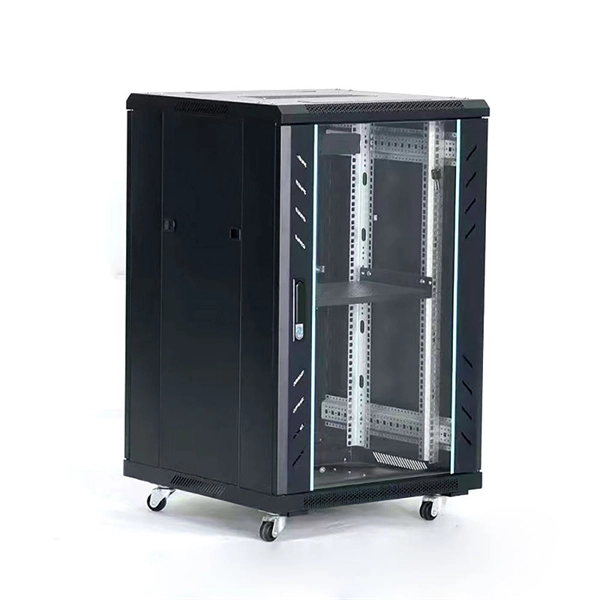
Ce16804 Core Switch Self-operated
High-capacity Huawei CE16804 data center switch with 24 Ethernet ports, 598Gbps switching, PoE support, and modular design for campus networks. CloudEngine 12800&16800 Series CE16804: Access product manuals, HedEx documents, product images and visio stencils. It has an. The...
[PDF Version]
-
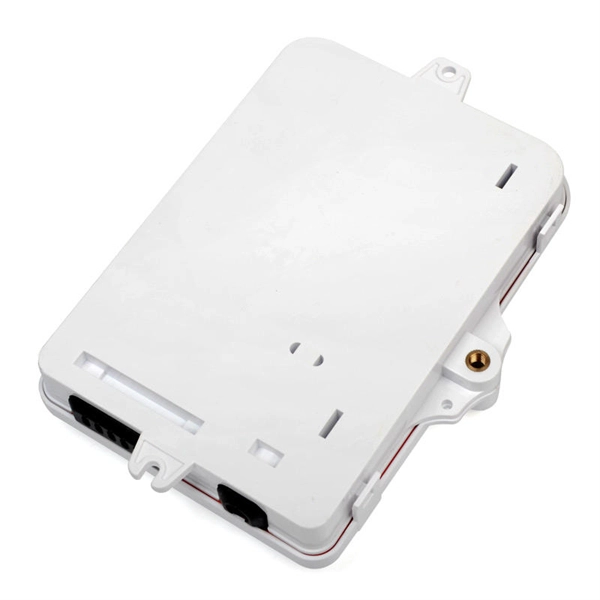
Where to install the core switch in the rack
Note: Core switches should be installed in a central location that meets cable distance requirements for the media used between core and access switches. The process of installing the switch can be broken down into a series of tasks as shown in the following figure: This...
[PDF Version]
-
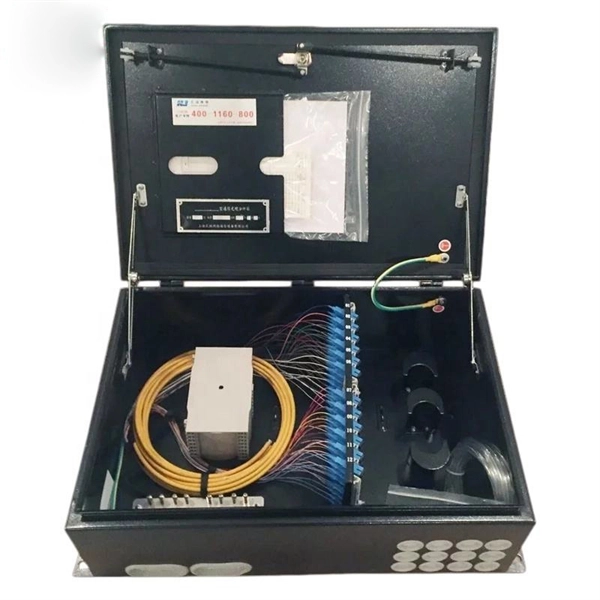
Core Functions of a 10 Gigabit Switch
10 Gigabit Ethernet (10GE, 10GbE, or 10 GigE) is a group of technologies for transmitting at a rate of 10. It was first defined by the standard. Unlike previous Ethernet standards, 10GbE defines only point-to-point links which are generally connected by ; shared-medium...
-
Core Switch Capabilities
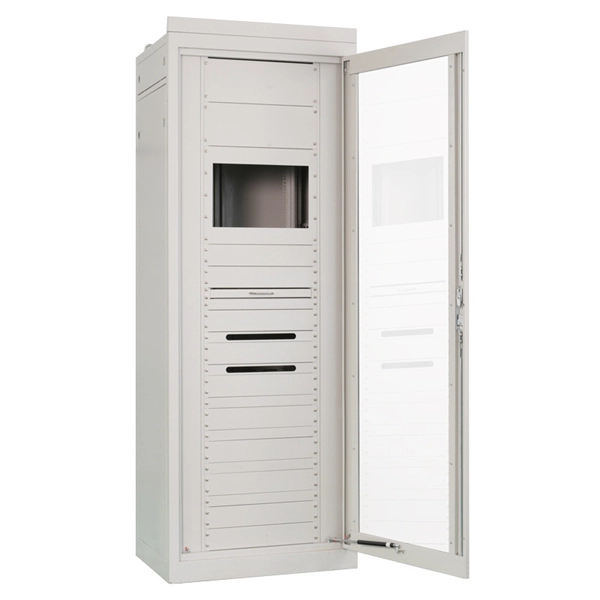
Enables IP routing between VLANs, subnets, and security zones, with advanced routing protocols. Modular chassis or stackable designs make it easy to scale as your network. A core switch is the backbone of a large-scale network, designed to handle massive volumes of traffic...
[PDF Version]
-
Can a core Layer 3 switch replace a router
Due to limitations in WAN connectivity, security, and advanced routing, a Layer 3 switch cannot fully substitute a router. In practice, the right approach is not to choose one over the other, but to deploy each device at the appropriate layer of the network architecture. A...
-
Cisco Core Switch Port Aggregation
In order to configure 2 or more ports (up to 8) to be a port aggregate, simply navigate to Switching > Monitor > Switch ports and select the target ports, then choose "Aggregate". It is recommended that you do not have the target ports physically connected to anything during...
[PDF Version]