
Display Resolution Dropping When Using Kvm Switch
Search optical fiber, connectivity, cable management and network infrastructure references.
- Display
- Resolution
- Dropping
Articles and technical references
9 on this page-
KVM switcher display shows ripples
Connect a known work PC to each input port on the KVM and observe if the monitor displays properly when the PC is connected to each port. If the problem occurs when connecting only to the original port, but connecting to all other ports works fine, it may indicate a faulty...
[PDF Version]
-
KVM switcher automatically changes resolution
KVM Troubleshooting: How to Solve Resolution & Refresh RatesVideo + Article Guide. Fix KVM resolution and display problems in no time. Follow our easy trou.
[PDF Version]
-
Does the PTN display light after plugging in the optical module
After plugging in the module or rebooting it, the module turns into the boot operation, see Table 2. OptiX PTN 905: Access product manuals, HedEx documents, product images and visio stencils. CAUTION Safety Information Always wear protective gloves when lifting or...
[PDF Version]
-
Tension force when using a standard butterfly-shaped optical cable
Most fiber optic cables allow roughly 1,800 to 4,500 Newtons (400 to 1,000 lbf) of pulling tension, and exceeding this limit during conduit pulls risks severe microfractures and higher light attenuation. Tensile strength measures the maximum pulling force a fiber optic cable...
[PDF Version]
-
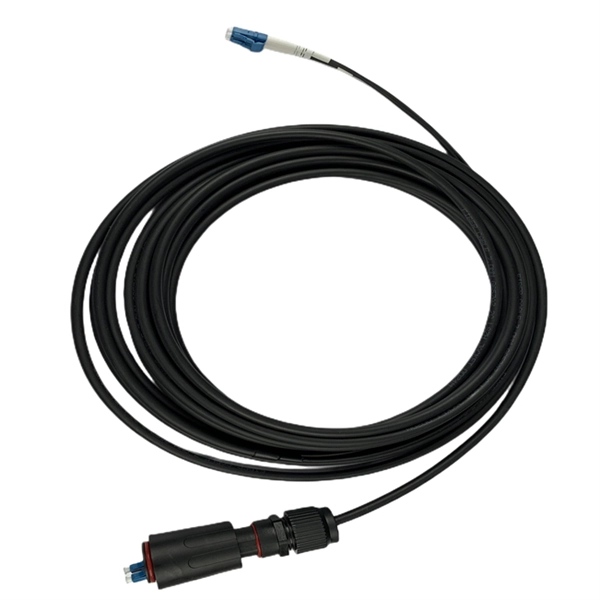
How to send and receive bidirectionally using a single-mode single-fiber cable
BiDi modules are transceivers that can send and receive at the same time over one fiber cable using two wavelengths. This full-duplex allows both directions without requiring a separate fiber for receiving. By reading this blog, you will understand how SFP BiDi technology...
[PDF Version]
-
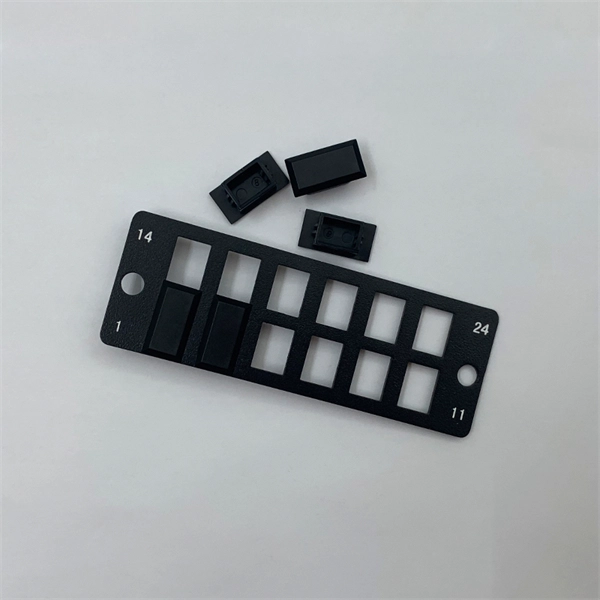
Differences between synchronizers and KVM switches
A KVM switchis a hardware device that allows users to control multiple computers using a single set of keyboard, video, and mouse (KVM) peripherals. On the other hand, Synergy is a KVM switch alte.
-
How to solve the problem of KVM switch constantly jumping
In summary, fixing a KVM switch involves a systematic approach: Verify power connections and cables for any damage or loose connections. Perform a reset or power cycle to clear temporary glitches. For instance, when you try to handshake with your monitor, your graphics driver...
-
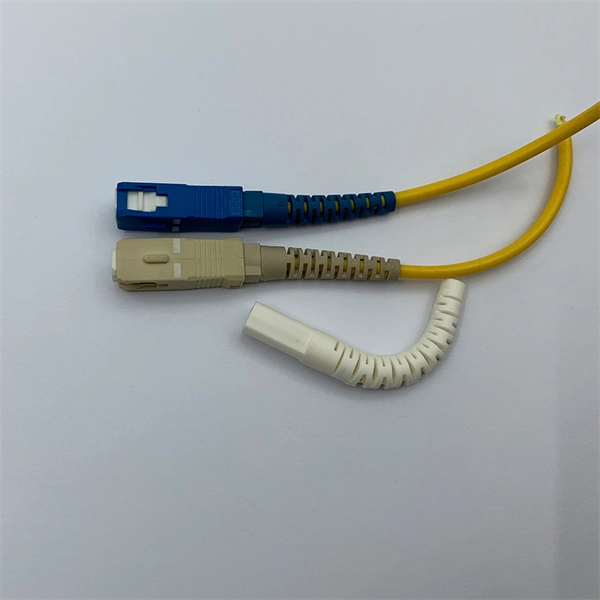
How to fuse optical fiber using patch cords
This wikiHow article teaches the process of manually splicing patch cords and fusion splicing two fiber optic strands together in an 11-step process. Data Servers are at Location A. Managing fiber optic patch cables requires strict adherence to technical standards due to the...
-
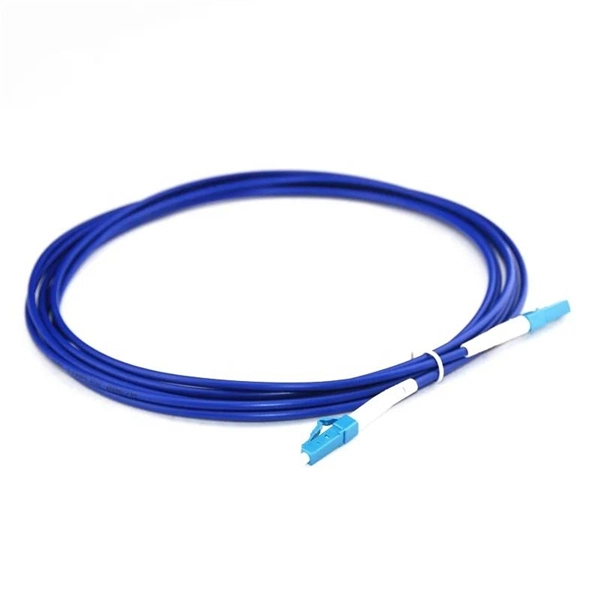
How to locate fiber optic breakpoints using an optical power meter
To use a power meter for fiber optic testing, always clean connectors first with lint-free wipes or click-to-clean tools. Select the correct wavelength and set your reference. You measure optical power in dBm or insertion loss in dB. Consistent procedures ensure accuracy...