
Technical notes
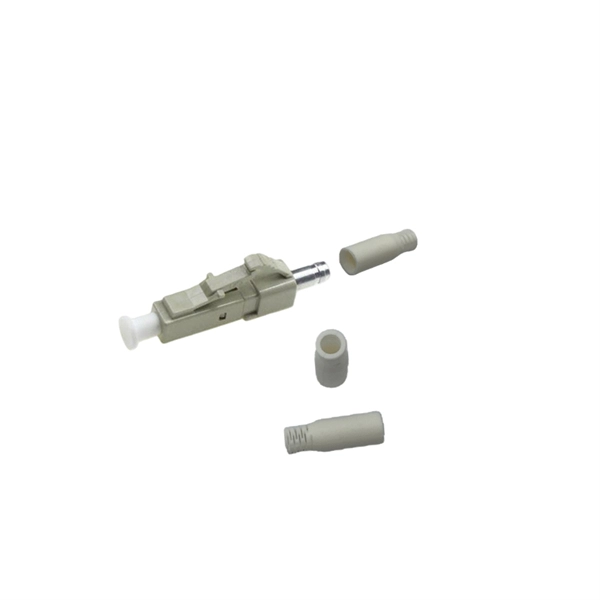
What is Differences Between Switch Optical Ports and Ethernet Ports
Switches come in three types: those with purely Ethernet ports, those with purely optical ports, and those with a combination of both. Port types are limited to two: optical and Ethernet.
What Are Optical Switches and How Do They Work?
Optical switches operate purely at the physical layer of the network, meaning they are concerned only with the physical path of the light beam. Because the signal remains as light, the
All-Optical Ethernet Switch Explained: Features and
An all-optical Ethernet switch is a network switch whose service ports are entirely optical, meaning every interface uses fiber rather than copper. This
Technical Specs
Get the detailed specs for the Nintendo Switch™ – OLED Model, the Nintendo Switch, and the Nintendo Switch Lite systems, plus Joy-Con controllers, and more.
The Ultimate Guide to SFP Modules (2026): Types,
This is the legal and technical foundation that allows you to plug a third-party module into a Cisco, Juniper, or Huawei switch and have it fit physically perfectly.
3x1 SPDIF Optical Switch with Remote & Dolby Digital
Featuring three optical inputs and one optical output, it lets you connect up to three digital audio devices, such as TVs, Blu-ray players, game consoles, or
Cisco Catalyst PON Series Switches Hardware
Using the uplink ports on the Cisco Catalyst PON Series ONT, these signals are converted into electrical signals and transmitted over optical fibers to
Ethernet Switch Port Types Explained 2026: RJ45,
This guide provides an engineering-level overview of switch port technologies, real-world deployment mapping, and detailed selection
Amazon : MINIX K1 USB C KVM Switch 1 Monitors 2 Computers,
Besides, this PD port does not support data output or docking station functions. What operating systems are supported? Compatible with Windows, macOS, iOS, Linux, and other major operating systems.
What Is an All-Optical Ethernet Switch?
An all-optical Ethernet switch provides both optical uplink and downlink ports, and uses optical fibers that feature high transmission speed, large bandwidth, and strong anti-interference
View the Optical Module Status on a Switch through the
Output Power - Transmitted optical power. Input Power - Received optical power. LOS - The Loss of Signal (LOS) reports local SFP signal loss.
How to Use the Optical Out (S/PDIF) Port on Your PC
For the best results, you''ll have to use an optical audio cable. Read on to learn how to make use of the Optical Out (S/PDIF) port on your PC to set
Do all TVs have optical out? Understanding the Audio Connectivity
Remember that not all TVs have optical out ports. However, if your TV lacks an optical out, you can still explore alternative audio connectivity options like HDMI ARC, RCA, coaxial, or
Basic Computer Operation Tutorial
You can NOT listen to the signal passing through the optical input when the optical signal is passed from the optical input to the optical output. You actually have to
Hooked Up But Nowhere to Go: What if My TV Doesn''t Have an Optical
Conclusion If your TV doesn''t have an optical output, it''s not the end of the world. With a little creativity and the right equipment, you can still enjoy high-quality audio with your soundbar or
What Is an Optical Input and How Does It Work?
Optical audio ports transmit sound as light pulses. Learn how they work, what formats they support, and how they compare to HDMI ARC.
What Is an SFP Port on a Gigabit Switch?
An SFP port (Small Form-Factor Pluggable port) on a Gigabit switch is a dedicated slot designed to support SFP modules, enabling flexible data
How to Set Up Optical Audio on My TV: A Comprehensive Guide
Gather The Necessary Equipment: Choosing The Right Optical Cable And TV Inputs When it comes to setting up optical audio on your TV, it''s important to have the right equipment. This
Related Video Reference
This video was associated with the source search result. Verify technical details against current product documentation and project requirements.