
How Does A Switch Work
Search optical fiber, connectivity, cable management and network infrastructure references.
- Does
- Switch
- Work
Articles and technical references
9 on this page-
How to configure an H3C switch for network cable connection
In this video, we cover H3C switch configuration, including basic setup, VLAN configuration, IP address assignment, port settings, and switch management. This chapter describes how to connect your switch to a network. After login, you can configure remote access methods...
[PDF Version]
-
How to connect a fiber optic receiver to a switch
Most modern fiber-enabled network switches require an SFP transceiver module featuring a duplex (two strand) multimode OM3 or duplex single mode OS2 connection with LC connectors. Direct attach cables with pre-terminated SFP connections may also be used. Fiber optic...
[PDF Version]
-
How to modify a switch to PoE mode on a regular switch
Enable PoE on Ports: Most PoE switches have PoE disabled by default on each port. Navigate to the PoE settings section of the configuration interface and enable PoE on the ports connected to your devices. Simply connect a powered device (PD) such as an IP phone, wireless AP...
[PDF Version]
-
How to solve the problem of KVM switch constantly jumping
In summary, fixing a KVM switch involves a systematic approach: Verify power connections and cables for any damage or loose connections. Perform a reset or power cycle to clear temporary glitches. For instance, when you try to handshake with your monitor, your graphics driver...
-
How to check for IP conflicts on an aggregation switch
Run arp -a (Windows) or arp (Linux) to check ARP entries for the conflicting IP. Use commands like show arp or show mac address- table to identify which ports have devices responding to. Modern IP conflict detection tools continuously scan for duplicate IP addresses, log...
[PDF Version]
-
How to tell if a switch is all optical ports
In the Privileged EXEC mode of the switch, use the show fiber-ports-optical-transceiver command by entering the following: interface interface-id - (Optional) Specify an Ethernet port ID. Note: In this example, te1/0/3 interface is used. When optical modules operate on a...
[PDF Version]
-
How to organize the cable management rack in the switch channel
Using cable management accessories like D-rings, vertical organizers, and cable trays can help secure cables and guide them neatly along the rack. It ensures that different connections between servers, networking equipment, and power sources remain orderly and accessible. A...
[PDF Version]
-
How to use the IP address of an industrial Ethernet switch
Prepare the default IP address, username, and password of the switch. How to configure DHCP vs static IP on an industrial Ethernet switch? Configuring DHCP vs Static IP on an Industrial Ethernet Switch 1. Accessing the Switch Management Interface Use the switch's console...
-
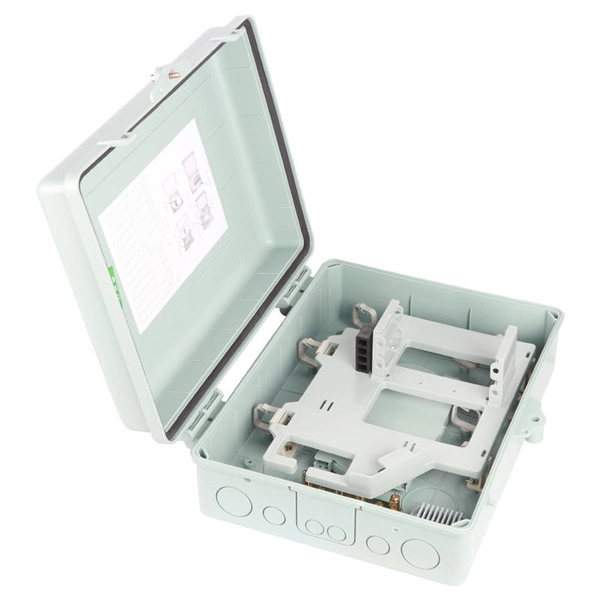
How to connect an industrial switch with a guide rail
To install the switch, you must attach the front and rear mounting guides to the switch, install the slider rails on the rear of the rack, slide the switch into the slider rails, and secure the switch to the front of the rack. This guide provides step-by-step instructions for...