
How To Choose Best Aggregation Switch
Search optical fiber, connectivity, cable management and network infrastructure references.
- Choose
- Best
- Aggregation
Articles and technical references
8 on this page-
How to check for IP conflicts on an aggregation switch
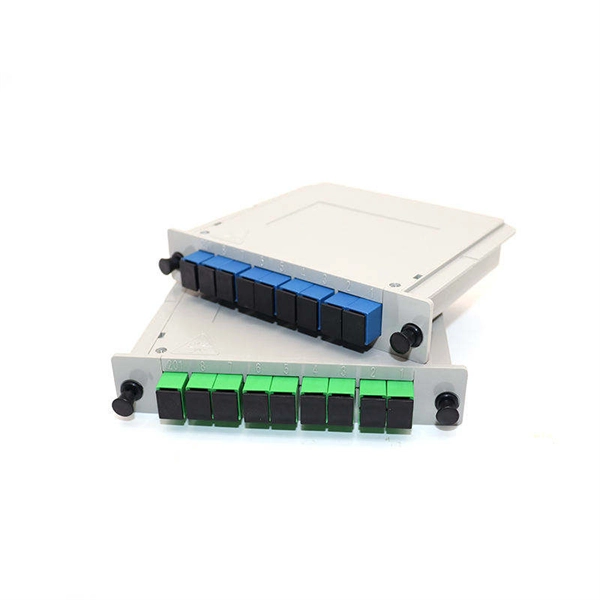
Run arp -a (Windows) or arp (Linux) to check ARP entries for the conflicting IP. Use commands like show arp or show mac address- table to identify which ports have devices responding to. Modern IP conflict detection tools continuously scan for duplicate IP addresses, log...
[PDF Version]
-
How to calculate the capacity of an aggregation switch
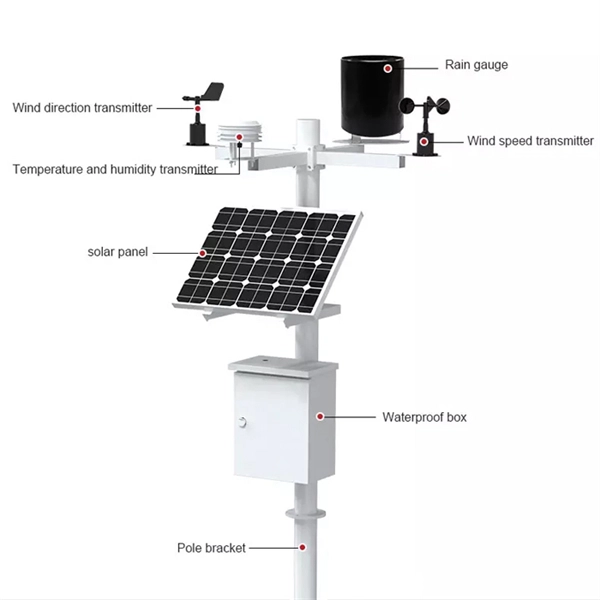
This is determined by the speed capability of one individual port on your switch. If each port supports 1 Gbps, then each port's capacity is simply that – 1 Gbps. Switching capacity, often known as fabric capacity, is the total amount of data a switch can process and transfer...
[PDF Version]
-
How to Select and Configure an Aggregation Layer Switch
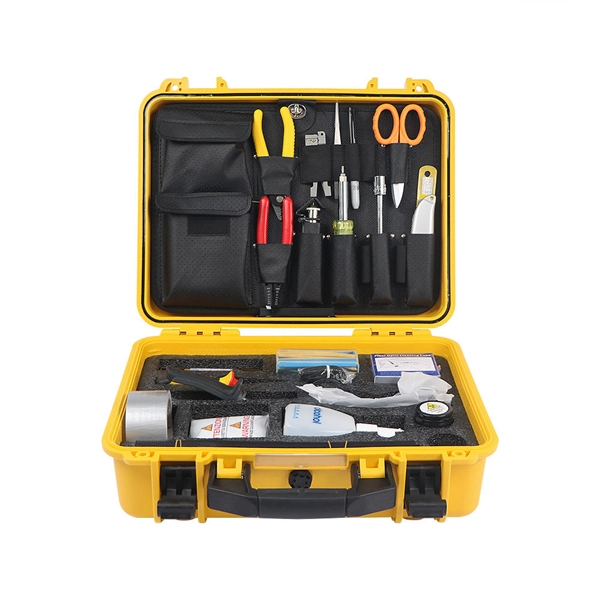
Which Aggregation Switch to Choose? This article provides an in-depth exploration of aggregation switches, including their functions, how they operate, the.
[PDF Version]
-
ONU can act as an aggregation connection to the original switch
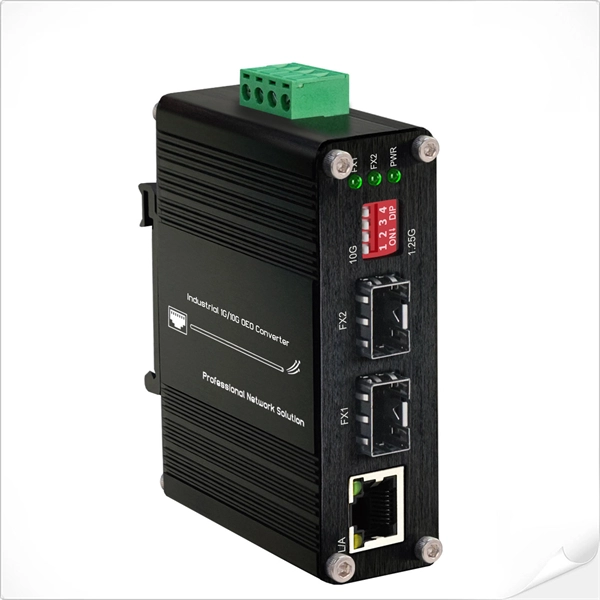
With the modes balance-rr, balance-xor, broadcast and 802.3ad, all physical ports in the link aggregation group must reside on the same logical switch, which, in most common scenarios, will leave a single point of failure when the physical switch to which all links are...
-

How to configure an H3C switch for network cable connection
In this video, we cover H3C switch configuration, including basic setup, VLAN configuration, IP address assignment, port settings, and switch management. This chapter describes how to connect your switch to a network. After login, you can configure remote access methods...
[PDF Version]
-
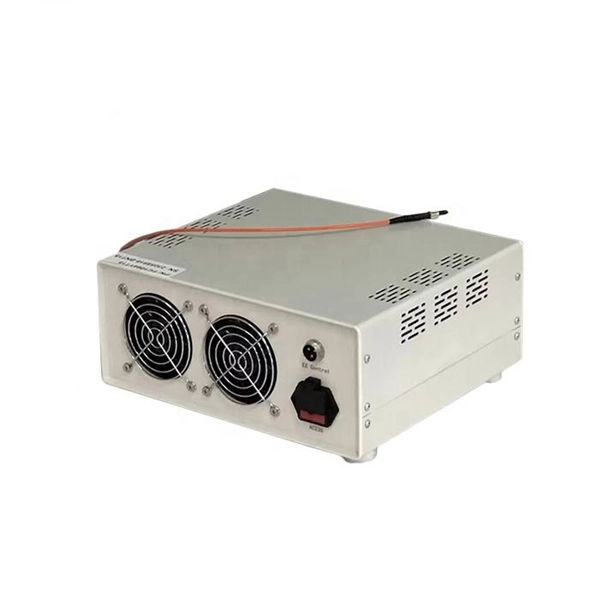
How to connect a fiber optic receiver to a switch
Most modern fiber-enabled network switches require an SFP transceiver module featuring a duplex (two strand) multimode OM3 or duplex single mode OS2 connection with LC connectors. Direct attach cables with pre-terminated SFP connections may also be used. Fiber optic...
[PDF Version]
-
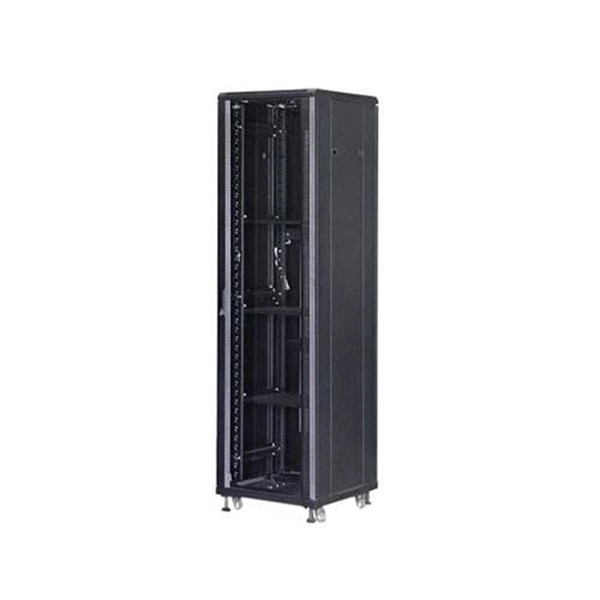
How to modify a switch to PoE mode on a regular switch
Enable PoE on Ports: Most PoE switches have PoE disabled by default on each port. Navigate to the PoE settings section of the configuration interface and enable PoE on the ports connected to your devices. Simply connect a powered device (PD) such as an IP phone, wireless AP...
[PDF Version]
-
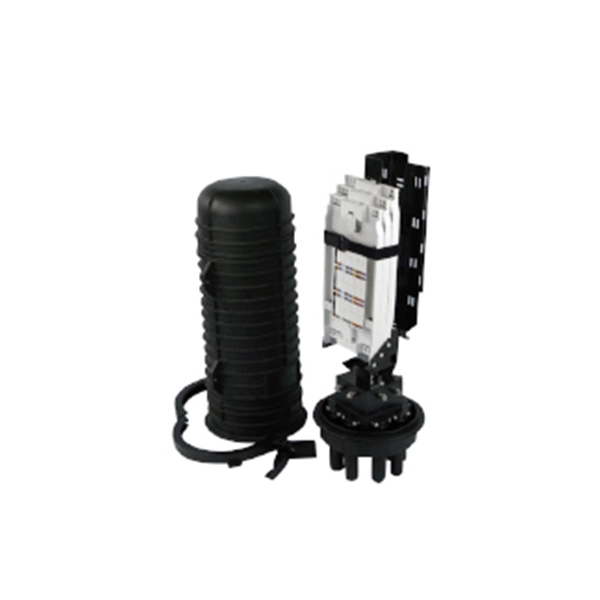
How to solve the problem of KVM switch constantly jumping
In summary, fixing a KVM switch involves a systematic approach: Verify power connections and cables for any damage or loose connections. Perform a reset or power cycle to clear temporary glitches. For instance, when you try to handshake with your monitor, your graphics driver...