
How To Master Huawei Switch Stacking Best Practices And
Search optical fiber, connectivity, cable management and network infrastructure references.
- Master
- Huawei
- Switch
Articles and technical references
7 on this page-
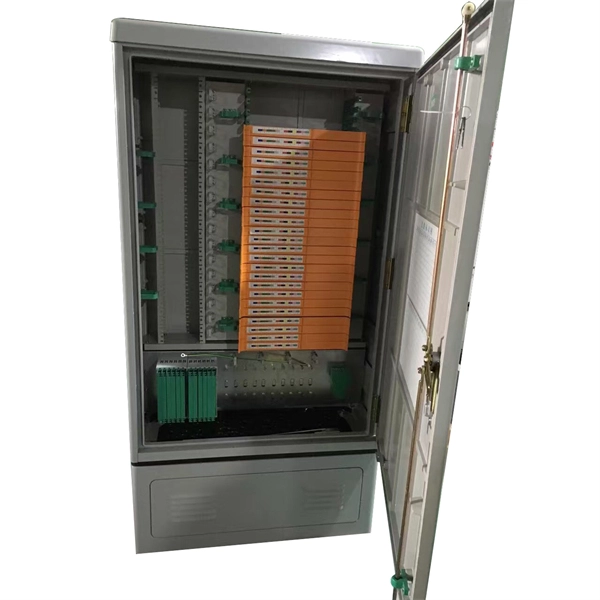
How many optical modules are needed for core switch stacking
Stacking: If the core switch is dual-machine hot standby (both are working at the same time) for redundancy, 6 cores are sufficient (2 cores switch each use 2 cores, and 2 cores are redundant). I currently need 40x 1/10Gb SFP+ fibers. I have looked at 2 x WS-C3850-24XS-E...
[PDF Version]
-
How to configure an H3C switch for network cable connection
In this video, we cover H3C switch configuration, including basic setup, VLAN configuration, IP address assignment, port settings, and switch management. This chapter describes how to connect your switch to a network. After login, you can configure remote access methods...
[PDF Version]
-
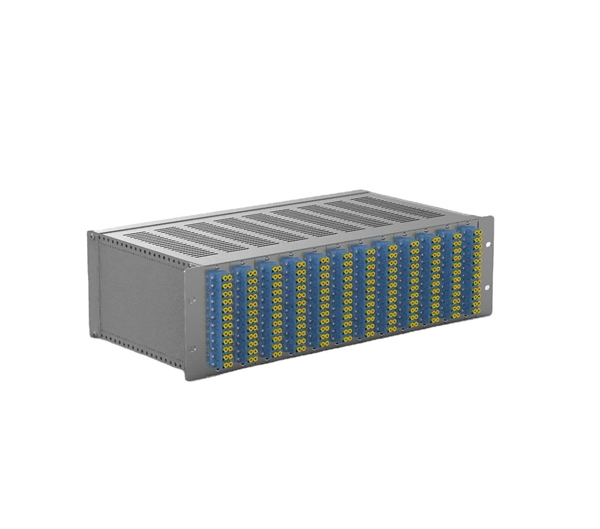
Does the Huawei 6730 core switch have network ports
These switches offer high-speed 10 Gigabit Ethernet (10 GE) downlink ports and 40 GE uplink ports, making them ideal for high-density server access and as core or aggregation switches in campus networks. The following models are available in the CloudEngine S6730-H-V2 series...
[PDF Version]
-
How to connect a fiber optic receiver to a switch
Most modern fiber-enabled network switches require an SFP transceiver module featuring a duplex (two strand) multimode OM3 or duplex single mode OS2 connection with LC connectors. Direct attach cables with pre-terminated SFP connections may also be used. Fiber optic...
[PDF Version]
-
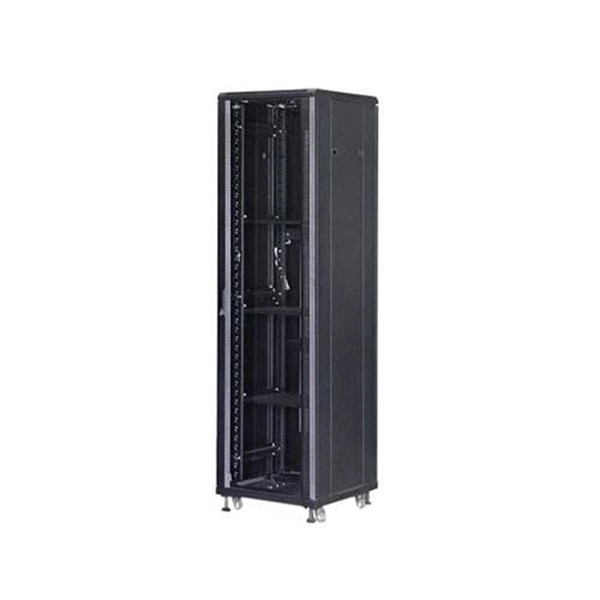
How to modify a switch to PoE mode on a regular switch
Enable PoE on Ports: Most PoE switches have PoE disabled by default on each port. Navigate to the PoE settings section of the configuration interface and enable PoE on the ports connected to your devices. Simply connect a powered device (PD) such as an IP phone, wireless AP...
[PDF Version]
-
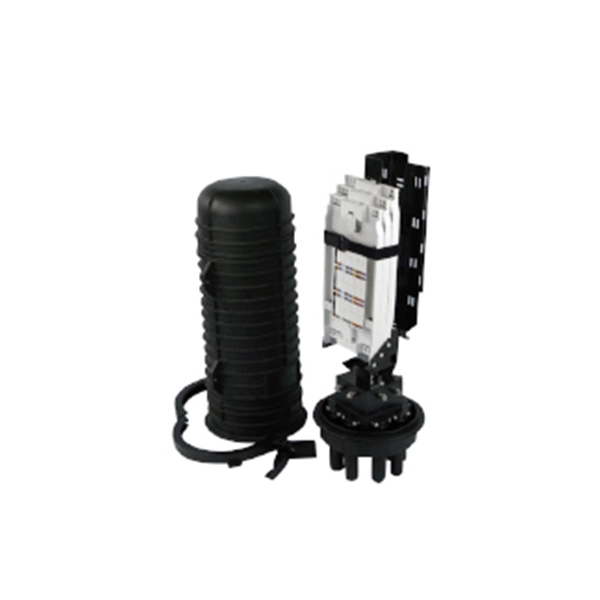
How to solve the problem of KVM switch constantly jumping
In summary, fixing a KVM switch involves a systematic approach: Verify power connections and cables for any damage or loose connections. Perform a reset or power cycle to clear temporary glitches. For instance, when you try to handshake with your monitor, your graphics driver...
-
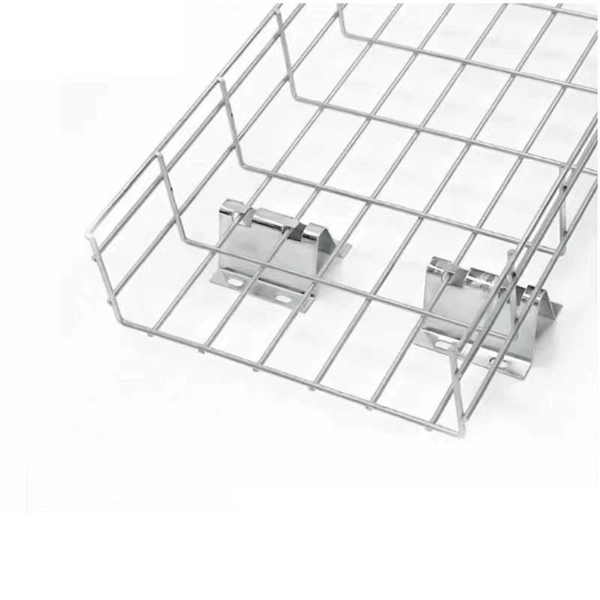
Huawei S5735S PoE Access Switch
The S5735S-L48P4X-A1 switch is engineered to meet diverse network demands with its robust feature set, including extensive PoE support, multiple uplink ports, and advanced security protocols. The CloudEngine S5735-S-V2 series switches are built on a new-generation...
[PDF Version]