
How To Setup Ip Mac Binding In Your Switch
Search optical fiber, connectivity, cable management and network infrastructure references.
- Setup
- Binding
- Your
Articles and technical references
9 on this page-
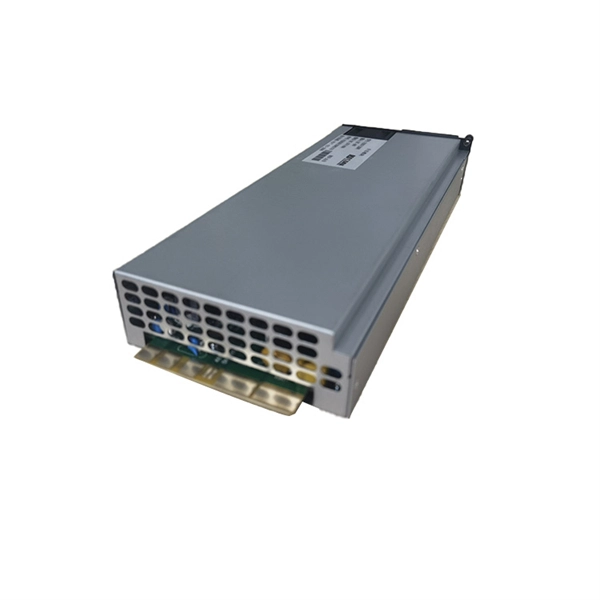
Access Switch IP MAC Binding
Use IP-MAC binding to prevent ARP spoofing. The port accepts a packet only if the source IP address and source MAC address in the packet match an entry in the IP-MAC binding table. You can enable or disable IP-MAC binding for the whole switch, and you can override this global...
[PDF Version]
-
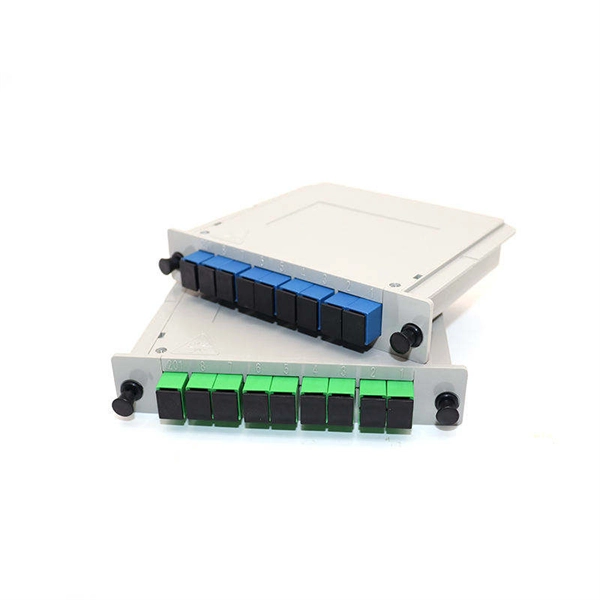
How to check for IP conflicts on an aggregation switch
Run arp -a (Windows) or arp (Linux) to check ARP entries for the conflicting IP. Use commands like show arp or show mac address- table to identify which ports have devices responding to. Modern IP conflict detection tools continuously scan for duplicate IP addresses, log...
[PDF Version]
-
How to use the IP address of an industrial Ethernet switch
Prepare the default IP address, username, and password of the switch. How to configure DHCP vs static IP on an industrial Ethernet switch? Configuring DHCP vs Static IP on an Industrial Ethernet Switch 1. Accessing the Switch Management Interface Use the switch's console...
-
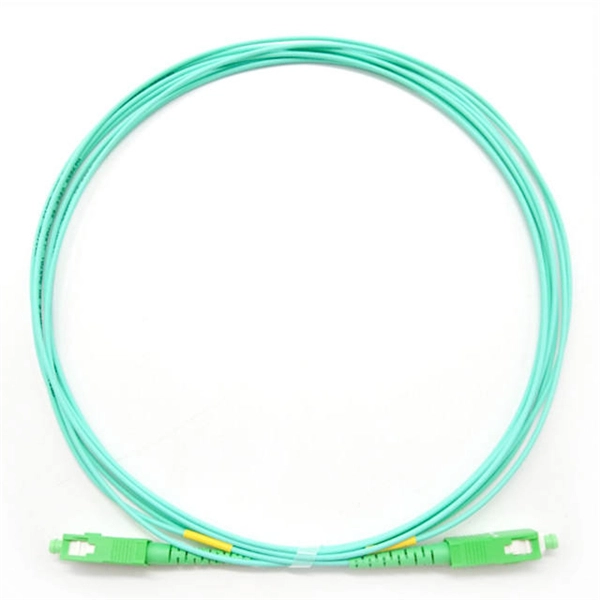
How to configure a fiber optic broadband IP address and a wireless router
To set up your router for fiber internet quickly, connect the router to your fiber modem, access the router's settings via a web browser, and input the provided ISP credentials. Make sure to update the firmware, configure Wi-Fi security, and customize your network name for...
-
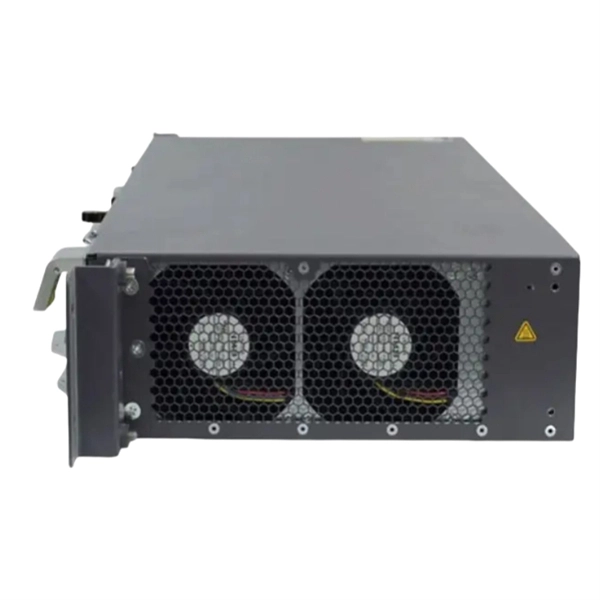
How to check the core switch IP address on a PC
Open the Command Prompt by pressing the Windows key + R, typing "cmd" in the Run dialog, and pressing Enter. Scroll through the results until you find the network adapter that is connected to your switch. While it might seem like a technical hurdle, several straightforward...
[PDF Version]
-
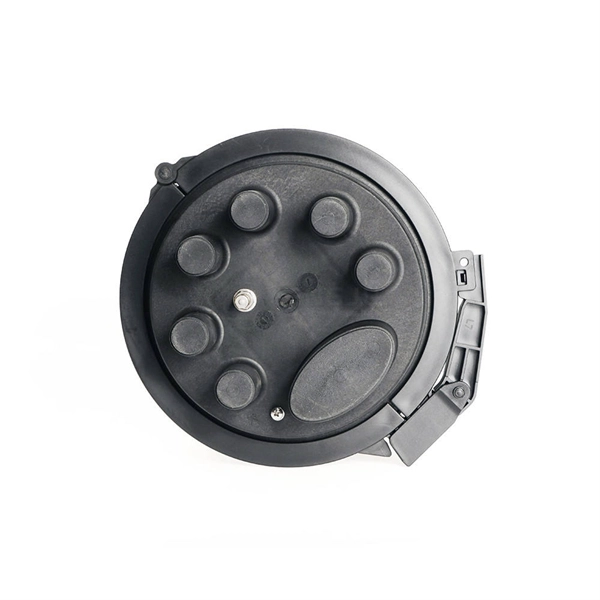
How to configure an H3C switch for network cable connection
In this video, we cover H3C switch configuration, including basic setup, VLAN configuration, IP address assignment, port settings, and switch management. This chapter describes how to connect your switch to a network. After login, you can configure remote access methods...
[PDF Version]
-
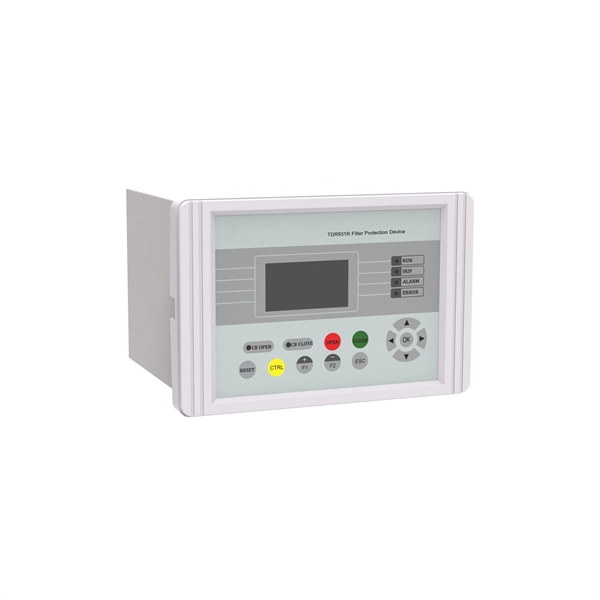
How to extend a broadband fiber optic cable line
Yes, fibre optic cables can be extended by using splice closures or optical connectors to join multiple cables together. This allows for longer distances to be covered without loss of signal quality. How do you extend your network? If you get your hands on a Pre-terminated...
-
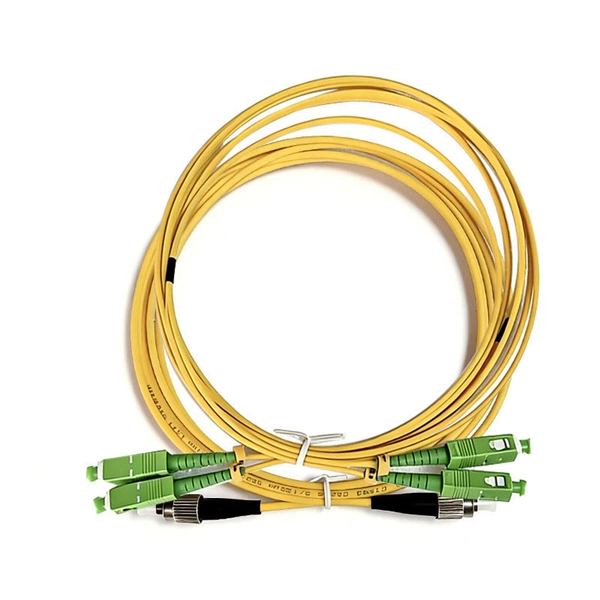
How to secure electrical wires when erecting a cable tray
Ensure you have durable fixings such as brackets, screws, bolts and clips to keep the cable tray securely mounted and cables safely supported along the entire route. This will help maintain the stability of the cable tray even under the weight of heavy cables in challenging...
[PDF Version]
-
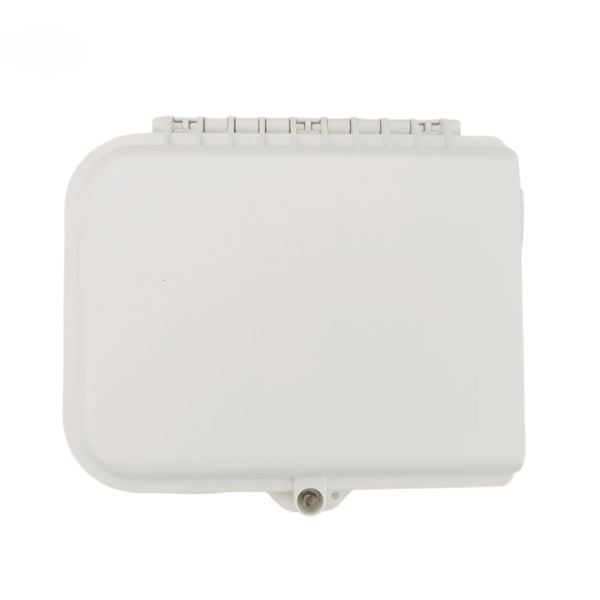
How far should the distribution box be from the equipment
The total distribution box should be located in the area near the power supply. Is distance satisfactory to protect power distribution boxes (breaker boxes, disconnects ranging from anywhere from 50 volts to 440 volts) from damage in active warehouses with stacked material...