
How To Troubleshoot Wireless Router Problems
Search optical fiber, connectivity, cable management and network infrastructure references.
- Troubleshoot
- Wireless
- Router
Articles and technical references
8 on this page-
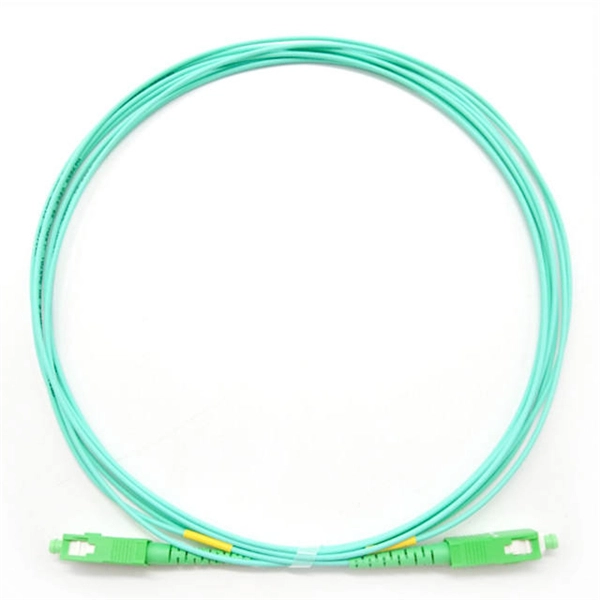
How to configure a fiber optic broadband IP address and a wireless router
To set up your router for fiber internet quickly, connect the router to your fiber modem, access the router's settings via a web browser, and input the provided ISP credentials. Make sure to update the firmware, configure Wi-Fi security, and customize your network name for...
-
How to bind a fiber optic router
To set up your router for fiber internet quickly, connect the router to your fiber modem, access the router's settings via a web browser, and input the provided ISP credentials. Make sure to update the firmware, configure Wi-Fi security, and customize your network name for...
-
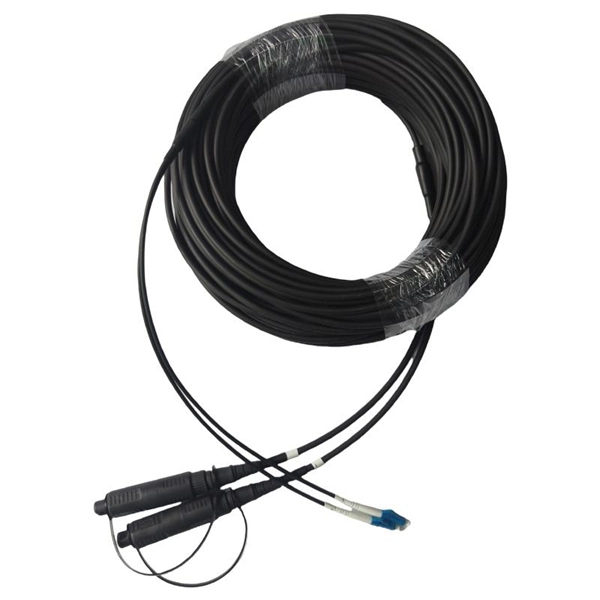
How to pull out the fiber optic cable from the router
LC Connectors: Press the latch mechanism and gently pull the connector out. This guide outlines proper methods to safely remove fiber optic cable from modems in your home or office. As an experienced technology writer who has covered broadband advancements for over a decade...
[PDF Version]
-
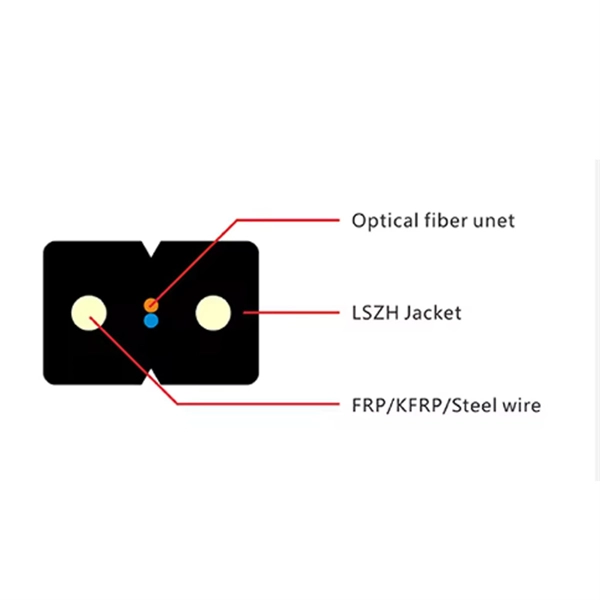
How to increase speed on a router without fiber optic cable
While you can always try low-cost approaches like using an aluminum foil hack to boost a weak Wi-Fi signal, the better solution is to upgrade your equipment. But before you consider upgrading your router, maybe to one of those fancy mesh networks, there are a few things you...
-
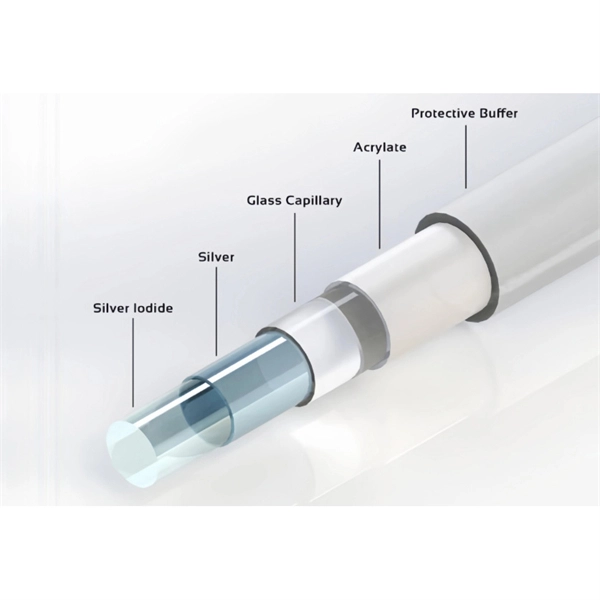
How to wirelessly bridge a fiber optic router
Install OpenWrt firmware on your router to convert it into a wireless bridge, enabling you to connect more devices across your network. This is particularly useful in scenarios where you need to extend your network to areas that are out of range of your primary router, such...
-
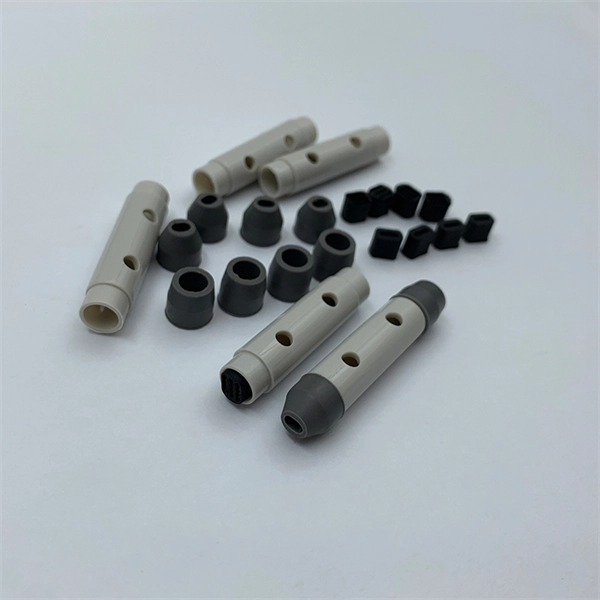
How to connect a router to the blue fiber optic cable
You can't directly connect a fiber optic cable to your router. You need an intermediary device. Low latency for. Setting up a fiber internet connection requires understanding key hardware components and following a specific connection sequence to establish your home network...
-
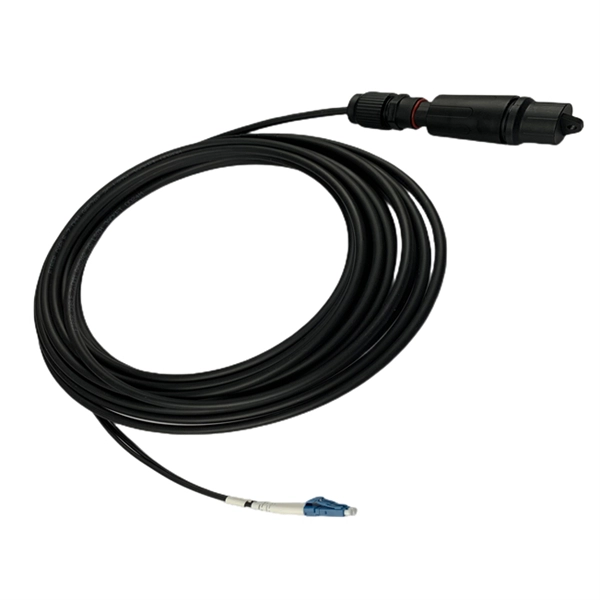
How to connect an outdoor multi-core fiber optic cable to a router
First, plug one end of the fiber optic cable into the transceiver and the other end into the fiber optic network. Compatible router: Verify that your router supports fiber optic input (look for an SFP or WAN port labeled. The process to connect fiber optic cable to router...
[PDF Version]
-
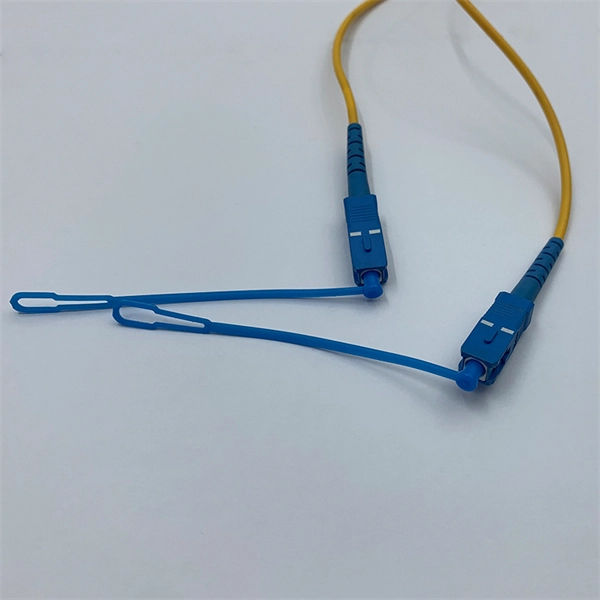
How to configure the router after replacing the fiber optic box
To set up your router for fiber internet quickly, connect the router to your fiber modem, access the router's settings via a web browser, and input the provided ISP credentials. Make sure to update the firmware, configure Wi-Fi security, and customize your network name for...