
Installing SFP and SFP+ Transceiver Modules
SFP transceiver modules can have three types of latching devices to secure an SFP transceiver module in a port socket: •Figure 4 shows an SFP trans...
Search optical fiber, connectivity, cable management and network infrastructure references.
Solar Cell You can now generate a digital datasheet for the Solar Cell block, including current-voltage (I-V) and power-voltage (P-V) curves, using a MATLA.
[PDF Version]
How to Connect a Fiber Optic Cable to a Router Learn the essential hardware bridge and sequential steps needed to link the optical line to your router. How.
[PDF Version]
How to Properly Wire a 4 Wire Photo Sensor: A Step-by-Step GuideWhen it comes to wiring a 4 wire photo sensor, it is important to understand the different.
[PDF Version]
In an era dominated by discussions about multi-gigabit and terabit networking, it's easy to overlook the technology that forms the backbone of many robust and specialized systems: the 100M optical module. Also known as Fast Ethernet SFPs or 100BASE modules, these transceivers...
How to Install and Remove Optical Modules SafelyInstall optical modules safely with ESD protection, proper handling, and dust control. Follow these steps t.
[PDF Version]SFP transceiver modules can have three types of latching devices to secure an SFP transceiver module in a port socket: •Figure 4 shows an SFP trans...
If you are removing an SFP or SFP+ transceiver module, follow these steps: Step 1 Attach an ESD-preventive wrist strap to your wrist and to the ESD...
For information on obtaining documentation, submitting a service request, and gathering additional information, see the monthly What's New in Cisco...
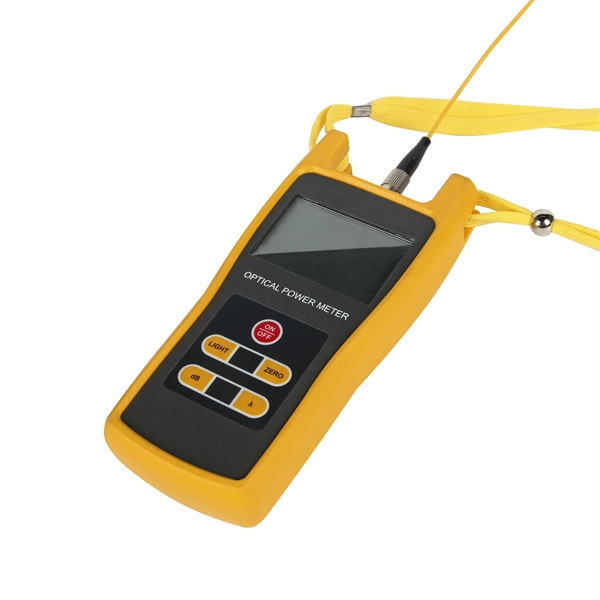
Every label should clearly show the complete part number, lot or wafer code, and date code. From the appearance, the appearance of the old module is very old compared to the appearance of the new module after a long time of use, some wear and scratches can be seen on the...
[PDF Version]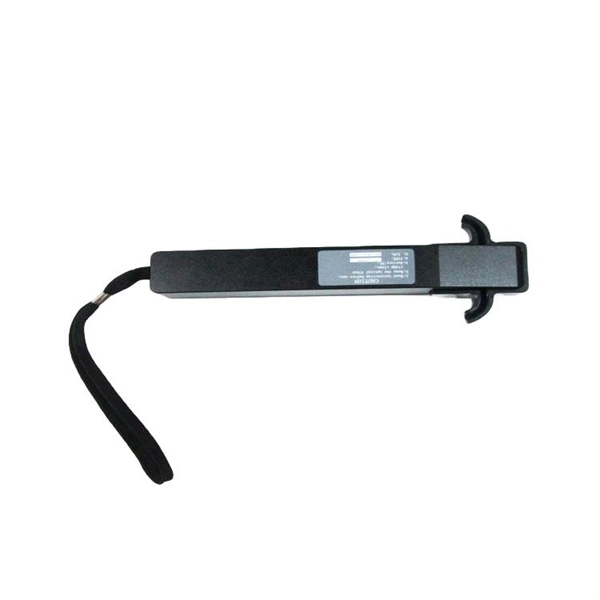
Lift the fiber optic port module at an angle to remove the tabs from the slot on the chassis, then remove it from the system. Whether you're upgrading bandwidth, replacing a faulty unit, or reconfiguring your topology, knowing. These installation instructions provide overview...
[PDF Version]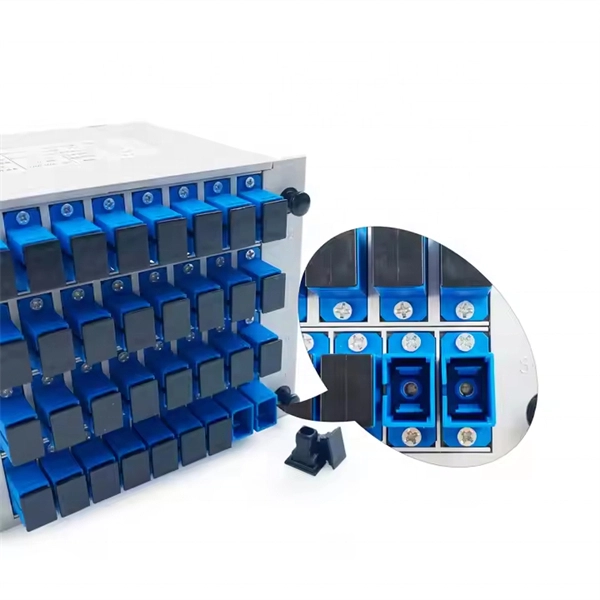
Tip: Always match the sleeve size with your splice tray and fiber type for optimal performance. Fiber optic splice sleeves are essential in a wide range of fiber deployments: Before splicing, insert the sleeve over one of the fiber ends. Use a fusion splicer to precisely...
[PDF Version]Share the fiber interfaces, termination capacity, cable route and evidence required for handover.