
Ip68 Pp Direct Splitting Connection 24 48 Core Splice
Search optical fiber, connectivity, cable management and network infrastructure references.
- Ip68
- Direct
- Splitting
Articles and technical references
7 on this page-
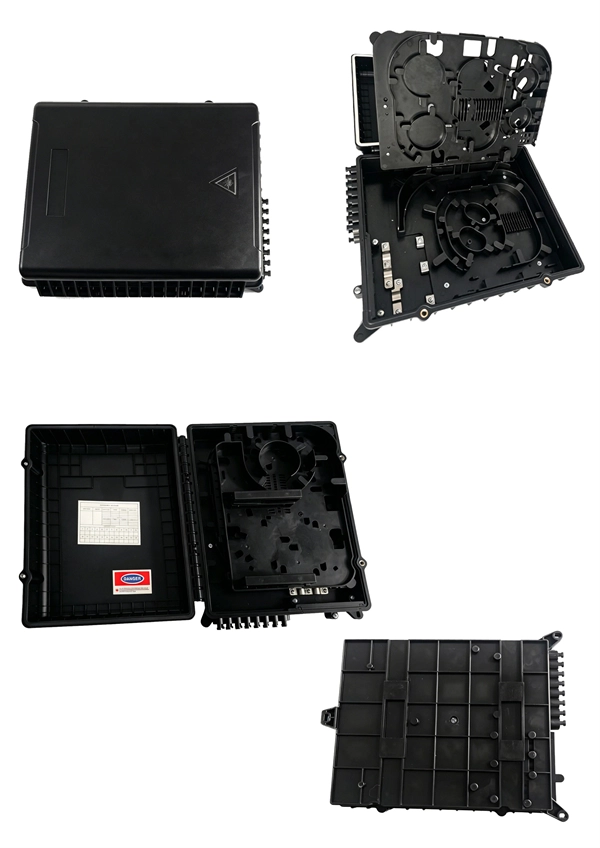
What to do if you have a direct fiber optic connection but no router
To get WiFi at home without a router, you can: Use a mobile hotspot from your smartphone or a hotspot device. Enable Wi-Fi sharing or tethering on a laptop connected to the internet. Use a modem with built-in Wi-Fi provided by your ISP. As fast as 1,000 megabits per second...
[PDF Version]
-
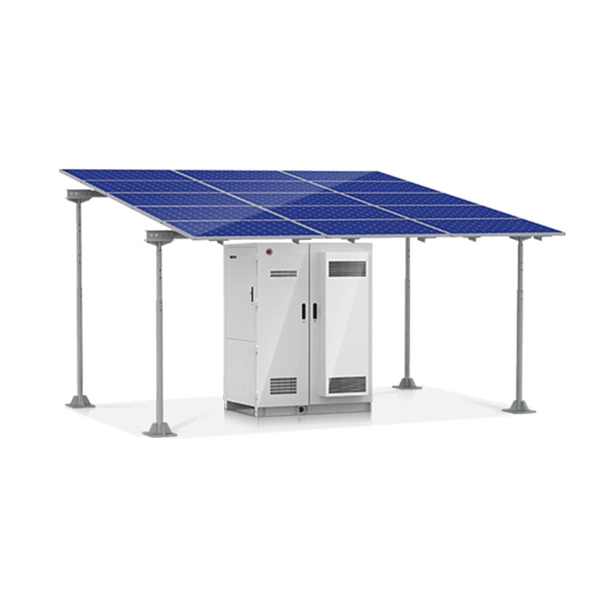
Direct Burial Connection Box
Direct burial junction boxes protect electrical connections in exposed outdoor environments. This guide reviews five top options, highlighting durability, ingress protection, and ease of installation. Underground Splice Box with FRP Cover–13. Each option balances durability...
[PDF Version]
-
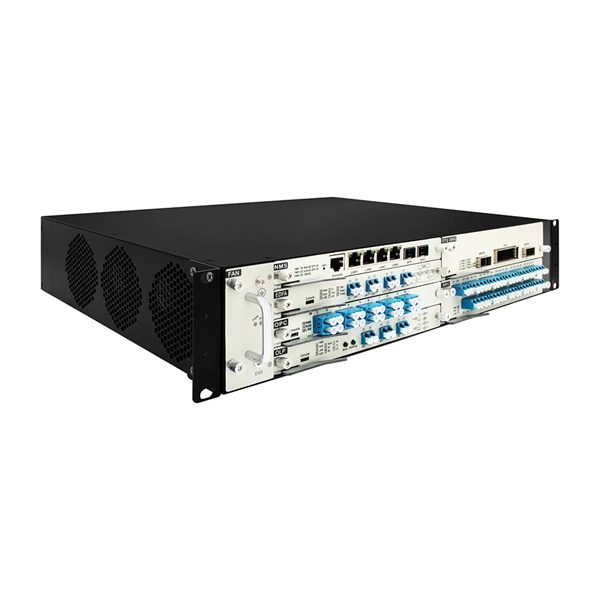
How to use direct optical port connection on a switch
Application Guide: Connecting Fiber-ready Network Most modern fiber-enabled network switches require an SFP transceiver module featuring a duplex (two stra.
[PDF Version]
-
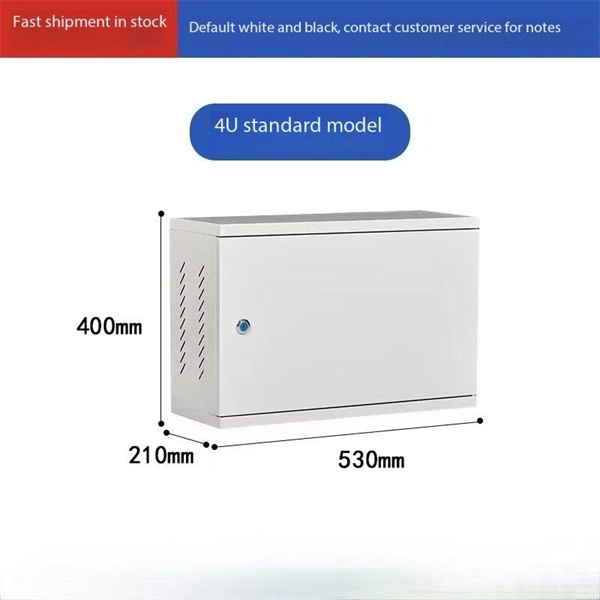
Singapore Grid Cable Tray Direct Connection Reinforcing Strip
Industrial Cable Management Tray Supplier SingaporeBrowse our range of electrical cable management trays of all sizes & types in Singapore. Buy wire mesh t.
[PDF Version]
-
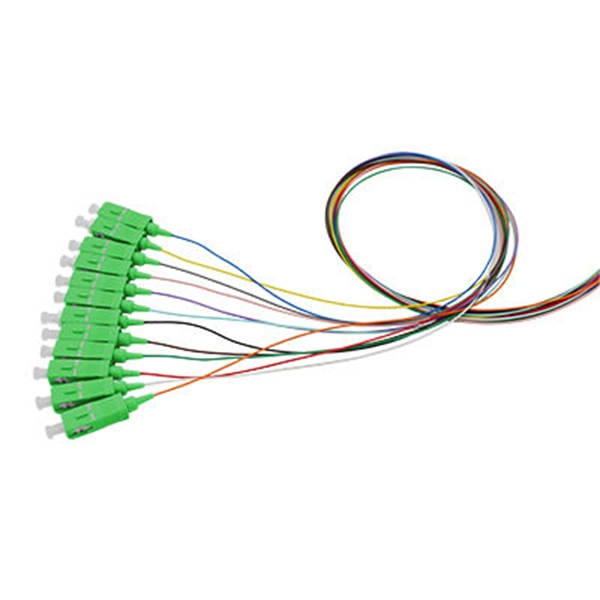
Direct connection of fiber optic patch cord
Fiber Optic Patch Cords Guide | Types, ConnectorsThis guide will help you quickly understand the main types of fiber patch cords and how to choose the righ.
[PDF Version]
-
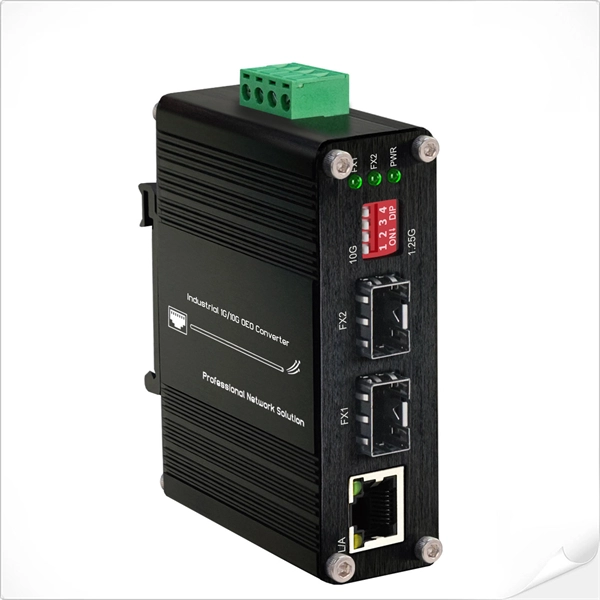
ONU can act as an aggregation connection to the original switch
With the modes balance-rr, balance-xor, broadcast and 802.3ad, all physical ports in the link aggregation group must reside on the same logical switch, which, in most common scenarios, will leave a single point of failure when the physical switch to which all links are...
-
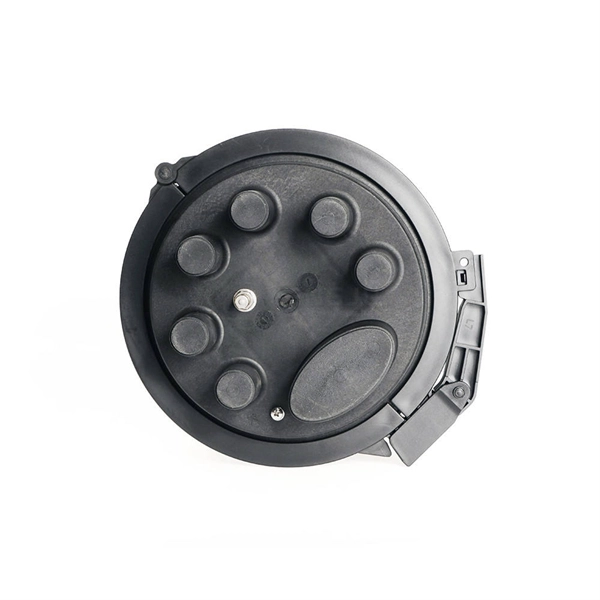
How to configure an H3C switch for network cable connection
In this video, we cover H3C switch configuration, including basic setup, VLAN configuration, IP address assignment, port settings, and switch management. This chapter describes how to connect your switch to a network. After login, you can configure remote access methods...
[PDF Version]