
Kvm Seemingly Non Functioning And Unresponsive
Search optical fiber, connectivity, cable management and network infrastructure references.
- Seemingly
- Functioning
- Unresponsive
Articles and technical references
8 on this page-
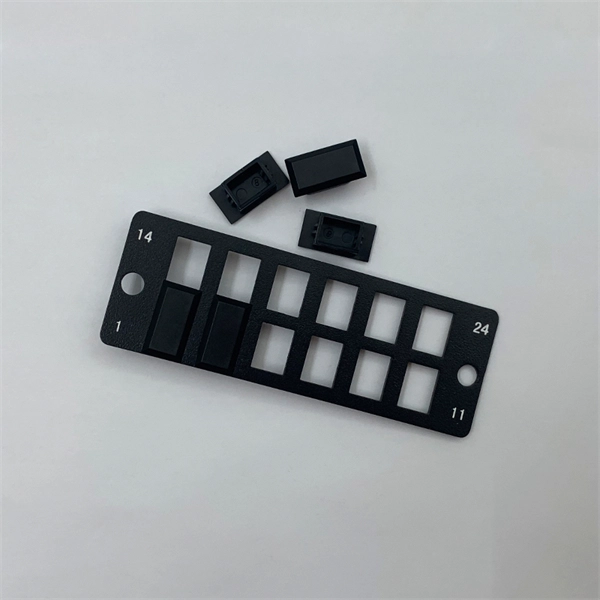
Differences between synchronizers and KVM switches
A KVM switchis a hardware device that allows users to control multiple computers using a single set of keyboard, video, and mouse (KVM) peripherals. On the other hand, Synergy is a KVM switch alte.
-
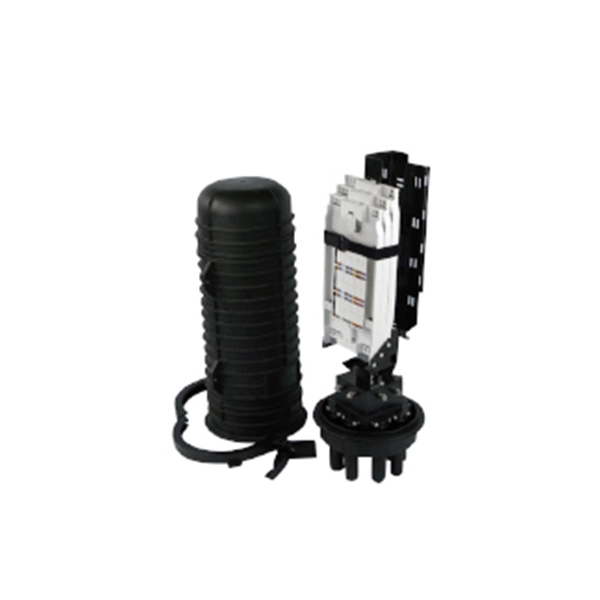
How to solve the problem of KVM switch constantly jumping
In summary, fixing a KVM switch involves a systematic approach: Verify power connections and cables for any damage or loose connections. Perform a reset or power cycle to clear temporary glitches. For instance, when you try to handshake with your monitor, your graphics driver...
-
KVM switcher display shows ripples
Connect a known work PC to each input port on the KVM and observe if the monitor displays properly when the PC is connected to each port. If the problem occurs when connecting only to the original port, but connecting to all other ports works fine, it may indicate a faulty...
[PDF Version]
-
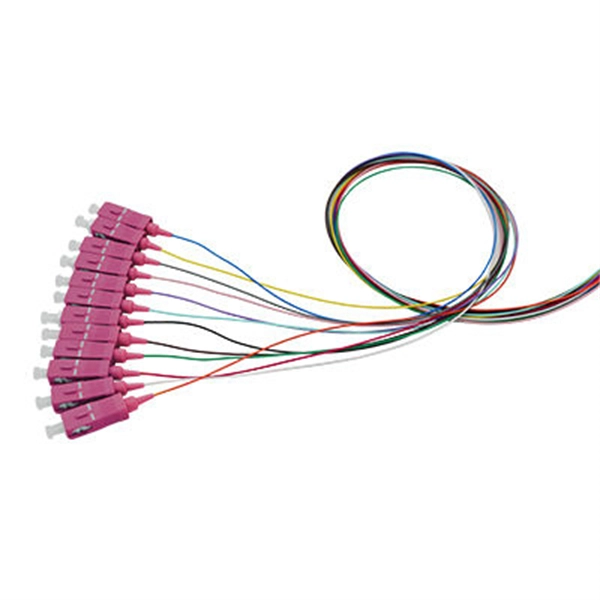
East Africa Fiber Optic KVM
This list was initially developed as part of AfTerFibre, a project to map terrestrial fibre optic cable projects in Africa. The project was sponsored by and, on completion, will be hosted by the UbuntuNet Alliance. All information gathered by the project will be publicly...
-
KVM Switch Programmable
The first step to finding the right KVM switch is taking inventory of what you'll use it with: specifically, the number of computers, monitors, and additional peripherals, such as a keyboard and mouse. Yo.
-
Where to find a good KVM switcher
These three KVM switches represent the best balance of features, reliability, and value for different user needs. These devices allow users to control multiple computers using a single keyboard, monitor, and mouse, making it easy to switch between systems without having to...
[PDF Version]
-
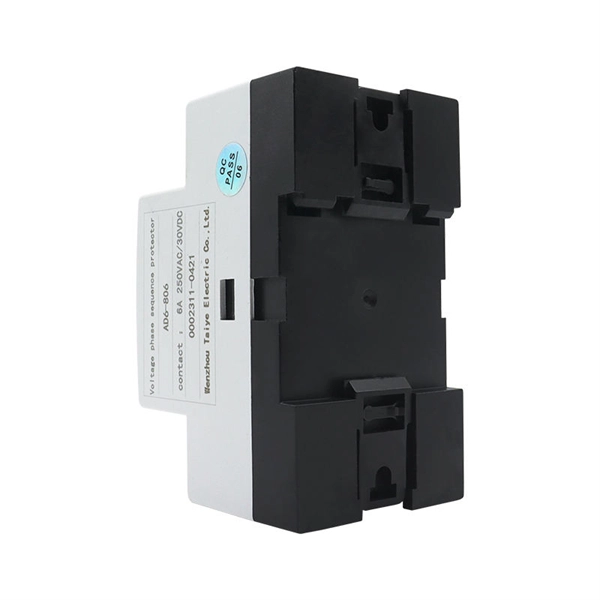
KVM switcher can be uploaded
They can be uploaded using the following ways: Plugging the KVM into your computer via USB (HID port). You should see a 20-something GB removable drive, that is the data partition. The default. computers (sources) and users (workspaces). There are different types of KVM...
[PDF Version]
-
Rack Switcher KVM Configuration
Before you start setting up the KVM switch, you need to choose the right one for your needs. There are different types of KVM switches available on the market, so make sure you choose one that is compatible.