
Spectrum Router Static Setup Guide Step By Step Ip
Search optical fiber, connectivity, cable management and network infrastructure references.
- Spectrum
- Router
- Static
Articles and technical references
8 on this page-
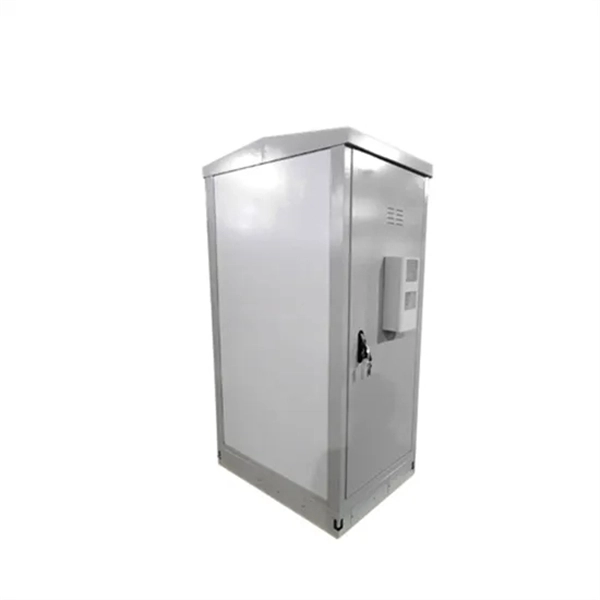
First-time router setup for fiber optic cable
To set up your router for fiber internet quickly, connect the router to your fiber modem, access the router's settings via a web browser, and input the provided ISP credentials. Compatible router: Verify that your router supports fiber optic input (look for an SFP or WAN port...
[PDF Version]
-
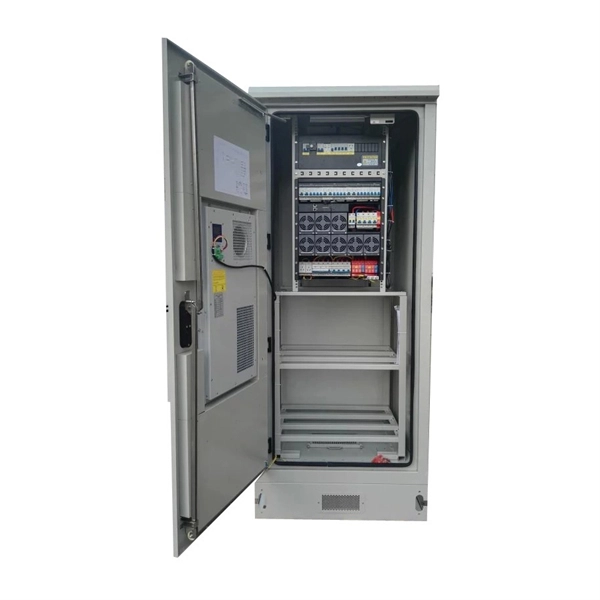
TP fiber optic setup and wireless router setup
This wikiHow article teaches you how to configure a TP-Link router. If you've got a new TP-Link router, you can easily set it up from any electronic device that has a web browser. Simply navigate to net/ and follow the prompts to create your administrator account. Setting up...
[PDF Version]
-
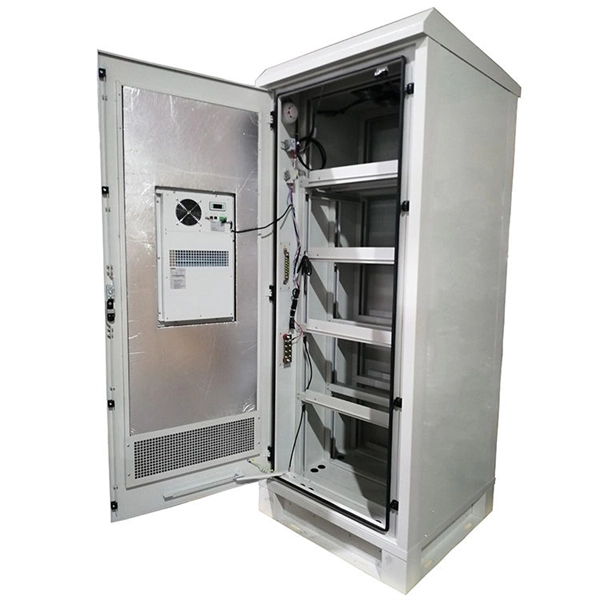
Router Fiber Optic Static IP Settings
Example Static IP ConfigurationsThis article contains example configurations you can use to help you set up your network with static IP addresses. For more.
[PDF Version]
-
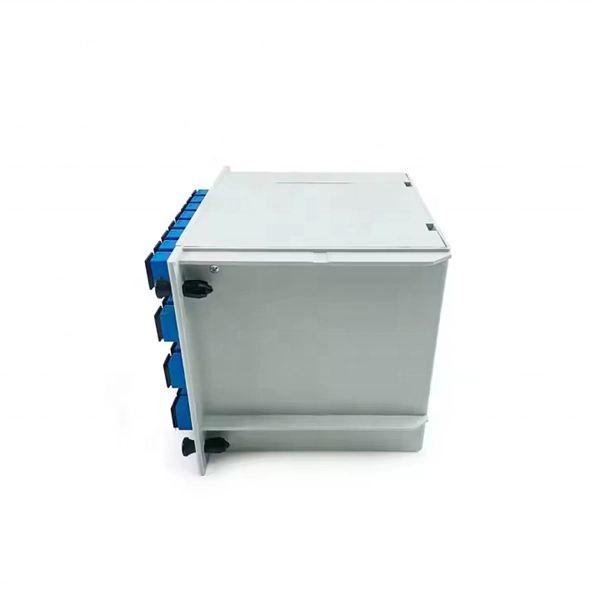
Fiber to the Home and Router Setup
Fiber Internet Installation: Step-by-Step Guide (2026)Get fiber internet installation done right for your home or business. Enjoy lightning-fast speeds and.
[PDF Version]
-
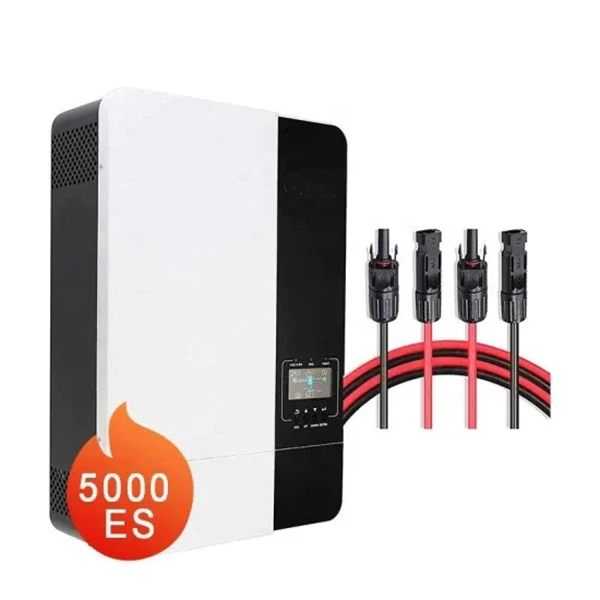
Wireless Router Fiber Optic Broadband Setup
Fiber Internet Installation: Step-by-Step Guide (2026)Get fiber internet installation done right for your home or business. Enjoy lightning-fast speeds and.
[PDF Version]
-
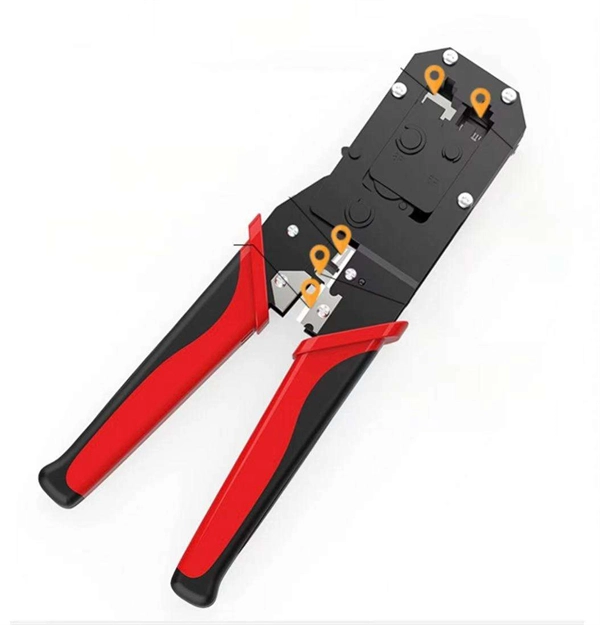
Fiber Optic Connection Router Setup
How to Connect Fiber Optic Cable to Router: A Step-by-Step GuideHowever, setting up a fiber optic connection to your router can seem daunting if you're unf.
[PDF Version]
-
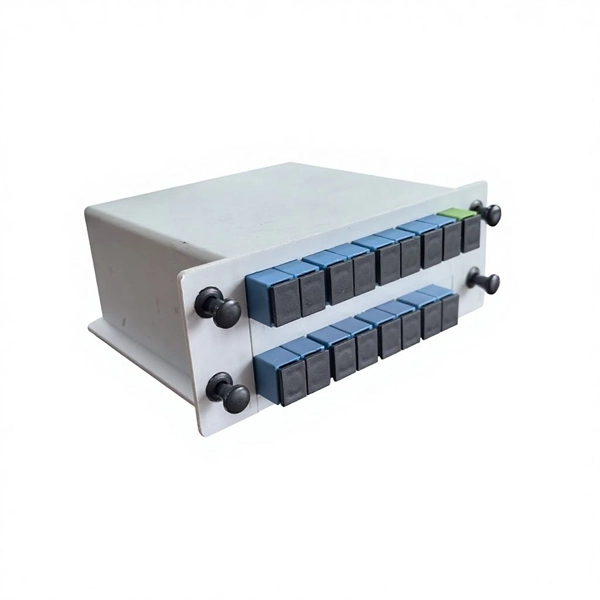
What is the function of the USB port in a fiber optic router
That small USB port on your router is more than a simple connector for basic functions. It can transform your network by enabling file sharing, media streaming, device charging, backup internet, and printer sharing capabilities. We'll tell you. The answer to that question...
[PDF Version]
-
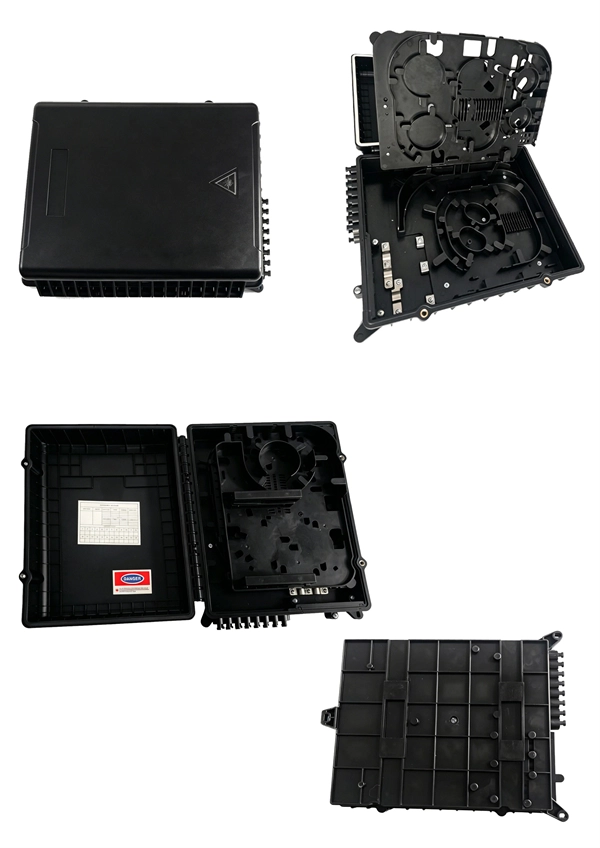
What to do if you have a direct fiber optic connection but no router
To get WiFi at home without a router, you can: Use a mobile hotspot from your smartphone or a hotspot device. Enable Wi-Fi sharing or tethering on a laptop connected to the internet. Use a modem with built-in Wi-Fi provided by your ISP. As fast as 1,000 megabits per second...
[PDF Version]