
Amazon Kvm Switch
Search optical fiber, connectivity, cable management and network infrastructure references.
- Amazon
- Switch
Articles and technical references
7 on this page-
How to solve the problem of KVM switch constantly jumping
In summary, fixing a KVM switch involves a systematic approach: Verify power connections and cables for any damage or loose connections. Perform a reset or power cycle to clear temporary glitches. For instance, when you try to handshake with your monitor, your graphics driver...
-
KVM Switch Programmable
The first step to finding the right KVM switch is taking inventory of what you'll use it with: specifically, the number of computers, monitors, and additional peripherals, such as a keyboard and mouse. Yo.
-
Can t the KVM switch connect to a USB drive
First, connect the USB device directly to the computer. If the device is not recognized when directly connected, troubleshoot the device, driver, system permissions, or computer USB port before testing. A KVM switch is designed to let multiple computers share one keyboard...
[PDF Version]
-
KVM Switch Compatibility
Best KVM Switches for 2026 (Dual Monitor, Multi-PC)Control multiple computers with one keyboard, mouse, and monitor using our recommended KVM switches, wit.
[PDF Version]
-
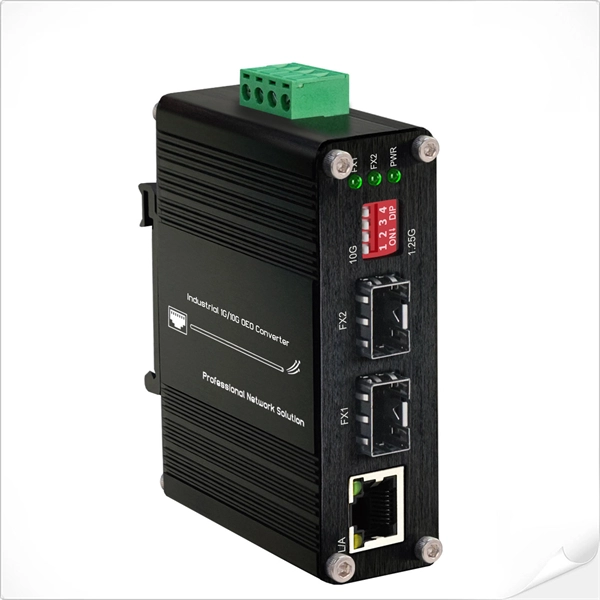
ONU can act as an aggregation connection to the original switch
With the modes balance-rr, balance-xor, broadcast and 802.3ad, all physical ports in the link aggregation group must reside on the same logical switch, which, in most common scenarios, will leave a single point of failure when the physical switch to which all links are...
-
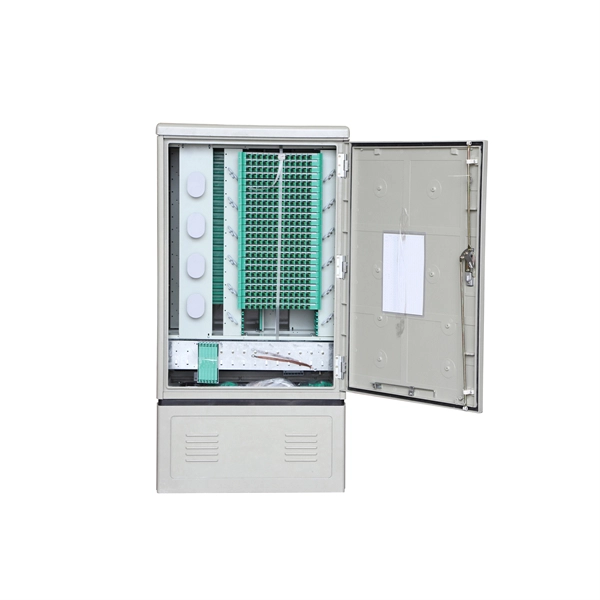
Monitoring PoE Switch Requirements
This tool checks if your PoE switch can power a given number of devices (e., IP cameras, access points) based on each device's power draw and the switch's total PoE budget. Power monitoring works with Cisco intelligent power management and CDP-based power consumption features...
[PDF Version]
-
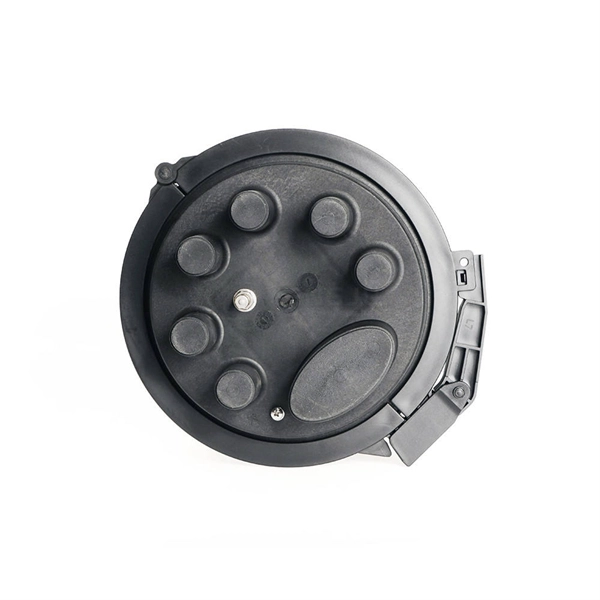
How to configure an H3C switch for network cable connection
In this video, we cover H3C switch configuration, including basic setup, VLAN configuration, IP address assignment, port settings, and switch management. This chapter describes how to connect your switch to a network. After login, you can configure remote access methods...
[PDF Version]