
Cisco Mac Address And Ip Binding
Search optical fiber, connectivity, cable management and network infrastructure references.
- Cisco
- Address
- Binding
Articles and technical references
7 on this page-
Access Switch IP MAC Binding
Use IP-MAC binding to prevent ARP spoofing. The port accepts a packet only if the source IP address and source MAC address in the packet match an entry in the IP-MAC binding table. You can enable or disable IP-MAC binding for the whole switch, and you can override this global...
[PDF Version]
-
How to use the IP address of an industrial Ethernet switch
Prepare the default IP address, username, and password of the switch. How to configure DHCP vs static IP on an industrial Ethernet switch? Configuring DHCP vs Static IP on an Industrial Ethernet Switch 1. Accessing the Switch Management Interface Use the switch's console...
-
Configuring a Static IP Address for the TP5428 Core Switch
1) Go to page L3 FEATURES > Static Routing > IPv4 Static Routing Config. Click to load the following page and configure the parameters related to the switch's gateway. Page 1 TL-SG5428 24-Port Gigabit L2 Managed Switch with 4 SFP Slots TL-SG5412F 12-Port Gigabit SFP L2...
[PDF Version]
-
How to configure a fiber optic broadband IP address and a wireless router
To set up your router for fiber internet quickly, connect the router to your fiber modem, access the router's settings via a web browser, and input the provided ISP credentials. Make sure to update the firmware, configure Wi-Fi security, and customize your network name for...
-
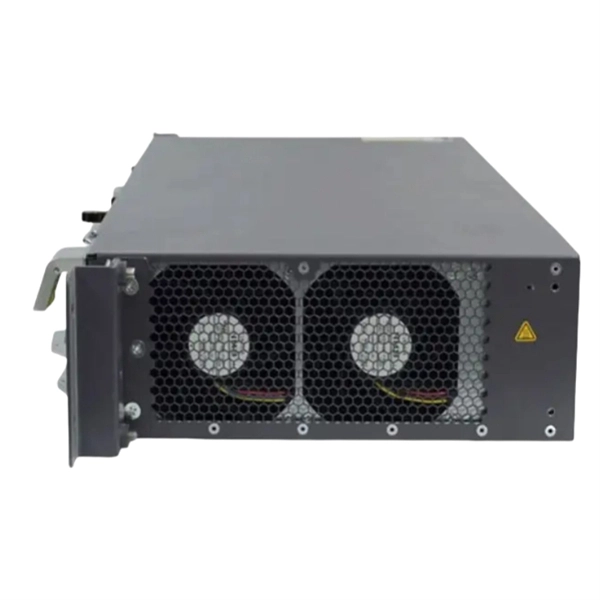
How to check the core switch IP address on a PC
Open the Command Prompt by pressing the Windows key + R, typing "cmd" in the Run dialog, and pressing Enter. Scroll through the results until you find the network adapter that is connected to your switch. While it might seem like a technical hurdle, several straightforward...
[PDF Version]
-
Cisco Core Switch Port Aggregation
In order to configure 2 or more ports (up to 8) to be a port aggregate, simply navigate to Switching > Monitor > Switch ports and select the target ports, then choose "Aggregate". It is recommended that you do not have the target ports physically connected to anything during...
[PDF Version]
-
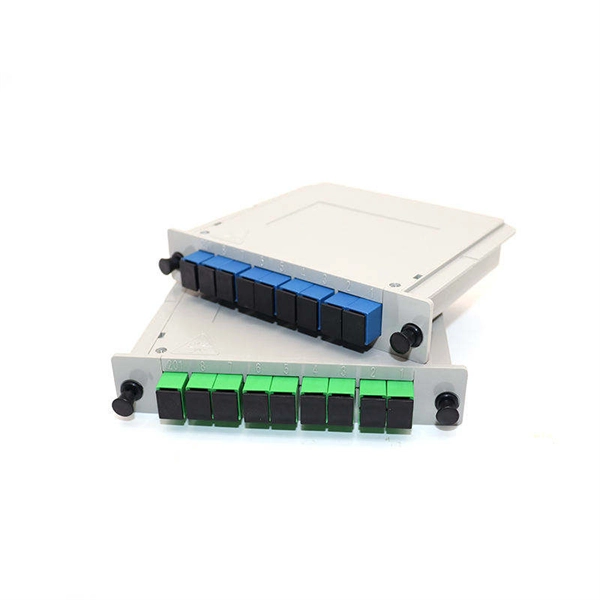
How to check for IP conflicts on an aggregation switch
Run arp -a (Windows) or arp (Linux) to check ARP entries for the conflicting IP. Use commands like show arp or show mac address- table to identify which ports have devices responding to. Modern IP conflict detection tools continuously scan for duplicate IP addresses, log...
[PDF Version]