
How can one identify a broken fiber optic cable?
To identify a broken fiber optic cable, start by performing a visual inspection for any physical signs of damage, such as bends, cracks, or breaks...
Search optical fiber, connectivity, cable management and network infrastructure references.
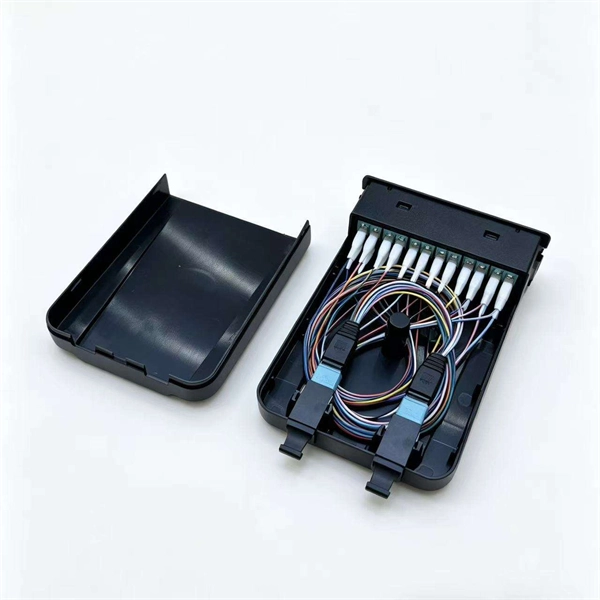
Fiber optic testing tools are essential for ensuring network reliability, performance, and proper installation. Devices such as Optical Power Meters, OTDRs, and Visual Fault Locators help technicians measure signal loss, locate faults, and verify fiber integrity. The simplest...
[PDF Version]
Check the electrical load and ensure that the sensors do not exceed the 10 Amp maximum. You need to know how to diagnose the fault in a low voltage distribution box safely. In this guide, we'll walk through these. This comprehensive guide, compiled by ELECO's technical...
[PDF Version]
Excessive CPU usage on a switch can lead to decreased network performance and faults, affecting the stability and reliability of communication. This document provides a detailed explanation of the common causes, impacts, and troubleshooting methods for excessive CPU usage in...
[PDF Version]
1) Go to page L3 FEATURES > Static Routing > IPv4 Static Routing Config. Click to load the following page and configure the parameters related to the switch's gateway. Page 1 TL-SG5428 24-Port Gigabit L2 Managed Switch with 4 SFP Slots TL-SG5412F 12-Port Gigabit SFP L2...
[PDF Version]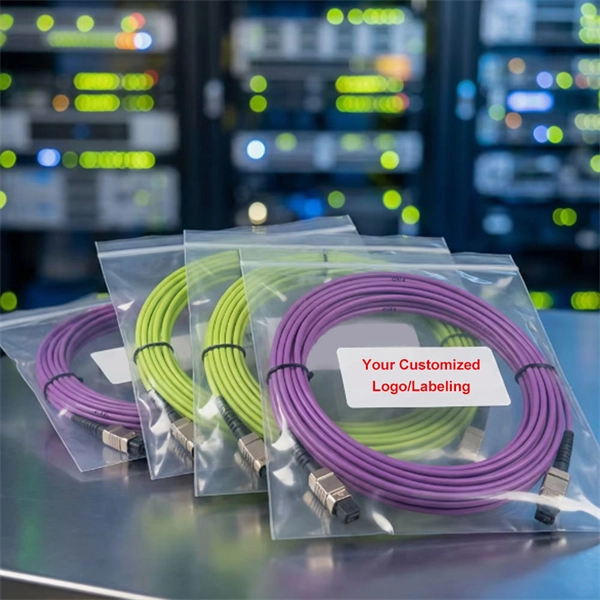
Troubleshooting Tip: Implement cable ties, dividers, and proper segregation techniques to organize cables systematically. Regular cable audits can identify and address potential issues proactively. It also offers future-ready ideas, troubleshooting guidance, and useful...
[PDF Version]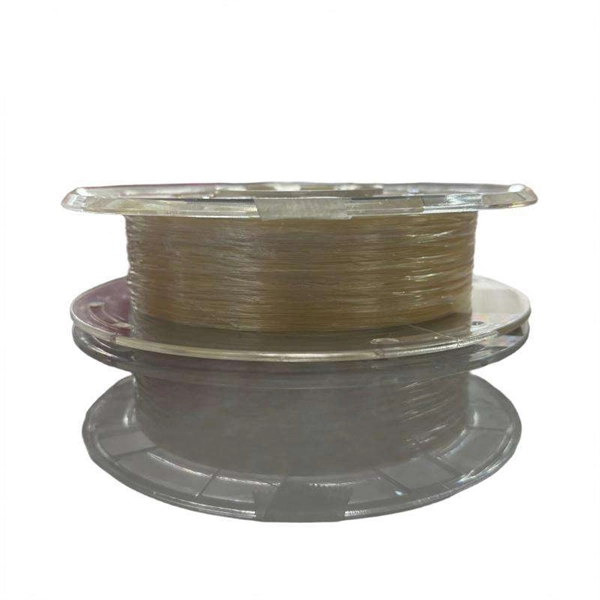
Power cycling or restarting your ONT (Optical Network Terminal) often resolves simple troubleshooting internet issues. Use the table below to see expert-recommended first steps for fiber troubleshooting. The most common problems usually fall into four categories: Physical...
[PDF Version]To identify a broken fiber optic cable, start by performing a visual inspection for any physical signs of damage, such as bends, cracks, or breaks...
There are several methods to test fiber optic cables without a tester. One method is using a visual fault locator (VFL), as mentioned earlier, to v...
Intermittent fiber optic connections can be caused by a variety of factors, including: Poorly terminated connectors or splices that result in unsta...
Short Circuits: Fix by isolating the circuit and replacing damaged components. Voltage Drops: Measure load voltage and. Low-voltage electrical appliances in the distribution box include fuses, AC contactors, residual current operated protectors, capacitors, and metering...
[PDF Version]
Fiber Optic Troubleshooting Guide: Problems, Tools & SolutionsLearn how to troubleshoot fiber optic cables with common problems, a step-by-step process, es.
[PDF Version]To identify a broken fiber optic cable, start by performing a visual inspection for any physical signs of damage, such as bends, cracks, or breaks...
There are several methods to test fiber optic cables without a tester. One method is using a visual fault locator (VFL), as mentioned earlier, to v...
Intermittent fiber optic connections can be caused by a variety of factors, including: Poorly terminated connectors or splices that result in unsta...
Run the display cpu-usage command to view the CPU usage. The System CPU Using Percentage field still shows a large percentage value. This document describes. This check monitors the memory utilization on Huawei switches. Default levels are set to 80, 90 percent. The stack...
Share the fiber interfaces, termination capacity, cable route and evidence required for handover.