
Configuring Vlan
Search optical fiber, connectivity, cable management and network infrastructure references.
- Configuring
- Vlan
Articles and technical references
6 on this page-
Two routers are connected to one VLAN switch
Router-on-a-Stick topology is a traditional method of Inter VLAN Routing. In this method, a Layer 3 device (router or multilayer switch) is used and connected to a Layer 2 switch through a single physical interface. One "stick" (VLAN trunk aggregate ae1 ) connects to the...
[PDF Version]
-
Configuring a Static IP Address for the TP5428 Core Switch
1) Go to page L3 FEATURES > Static Routing > IPv4 Static Routing Config. Click to load the following page and configure the parameters related to the switch's gateway. Page 1 TL-SG5428 24-Port Gigabit L2 Managed Switch with 4 SFP Slots TL-SG5412F 12-Port Gigabit SFP L2...
[PDF Version]
-
Configuring HSRP on a Dual-Core Layer 3 Switch Example
FHRP Configuration Guide The switch supports Multiple HSRP (MHSRP), an extension of HSRP that enables load sharing across multiple HSRP groups. Configure M.
[PDF Version]
-
Configuring Optical Modules on Switches
Configuration Guide for Cisco NCS 1001, IOS XR Release 7.10.xThis chapter describes how to configure the Optical Amplifier Module and Protection Switching.
[PDF Version]
-
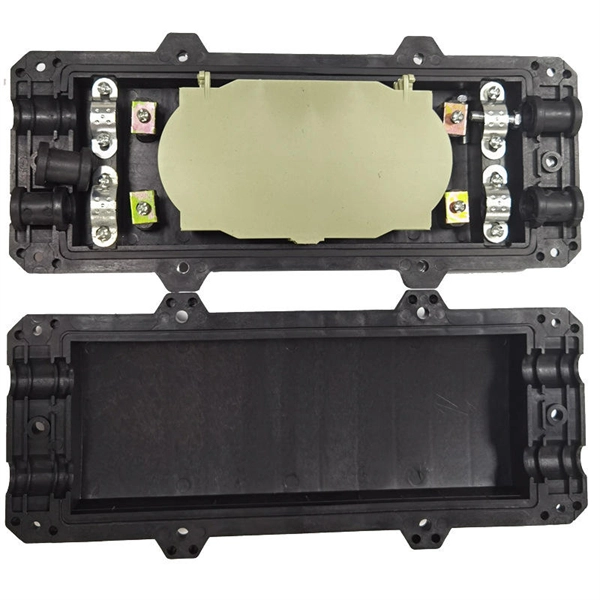
Advantages of configuring VRRP on core switches
Chapter: Configuring VRRP • When VRRP is enabled, you should replicate the VRRP configuration across switches in your network. • We recommend that you do n.
[PDF Version]
-
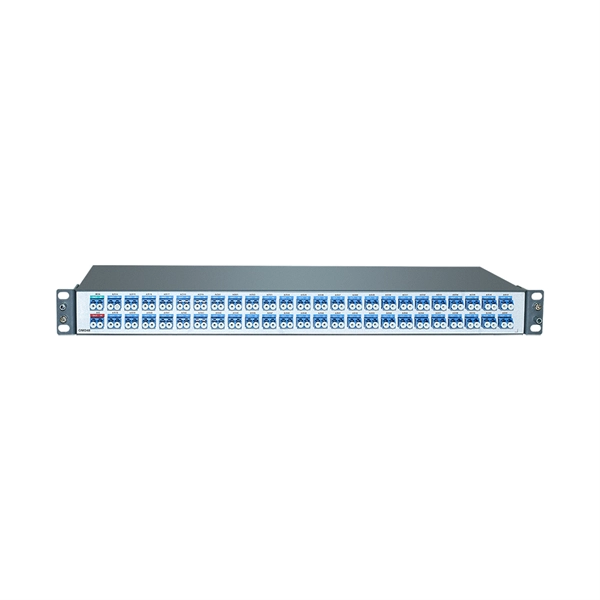
How to check the VLAN segment of the core switch
To display VLAN information, use the show vlan command in privileged EXEC mode. show vlan [brief | id vlan-id | name name | ifindex] brief (Optional) Displays only a single line for each VLAN, naming the VLAN, status, and ports. clear vtp counters This command has no...
[PDF Version]