
Instruction Manual Ip Kvm Switch
Search optical fiber, connectivity, cable management and network infrastructure references.
- Instruction
- Manual
- Switch
Articles and technical references
8 on this page-
How to solve the problem of KVM switch constantly jumping
In summary, fixing a KVM switch involves a systematic approach: Verify power connections and cables for any damage or loose connections. Perform a reset or power cycle to clear temporary glitches. For instance, when you try to handshake with your monitor, your graphics driver...
-
How to check for IP conflicts on an aggregation switch
Run arp -a (Windows) or arp (Linux) to check ARP entries for the conflicting IP. Use commands like show arp or show mac address- table to identify which ports have devices responding to. Modern IP conflict detection tools continuously scan for duplicate IP addresses, log...
[PDF Version]
-
KVM Switch Programmable
The first step to finding the right KVM switch is taking inventory of what you'll use it with: specifically, the number of computers, monitors, and additional peripherals, such as a keyboard and mouse. Yo.
-
How to use the IP address of an industrial Ethernet switch
Prepare the default IP address, username, and password of the switch. How to configure DHCP vs static IP on an industrial Ethernet switch? Configuring DHCP vs Static IP on an Industrial Ethernet Switch 1. Accessing the Switch Management Interface Use the switch's console...
-
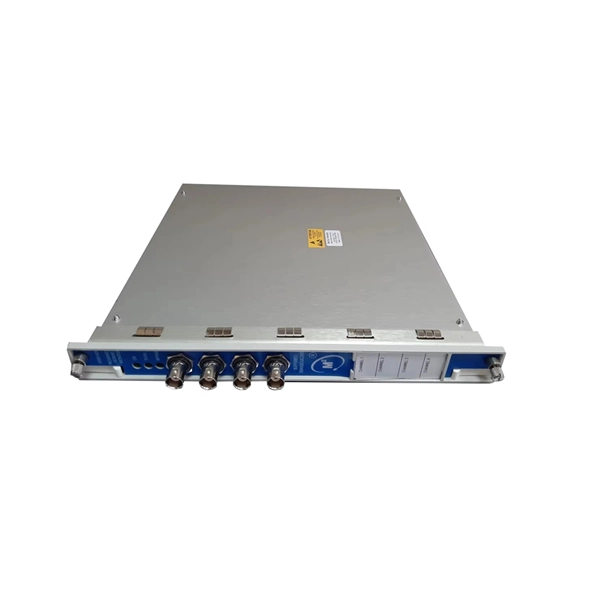
Configuring a Static IP Address for the TP5428 Core Switch
1) Go to page L3 FEATURES > Static Routing > IPv4 Static Routing Config. Click to load the following page and configure the parameters related to the switch's gateway. Page 1 TL-SG5428 24-Port Gigabit L2 Managed Switch with 4 SFP Slots TL-SG5412F 12-Port Gigabit SFP L2...
[PDF Version]
-
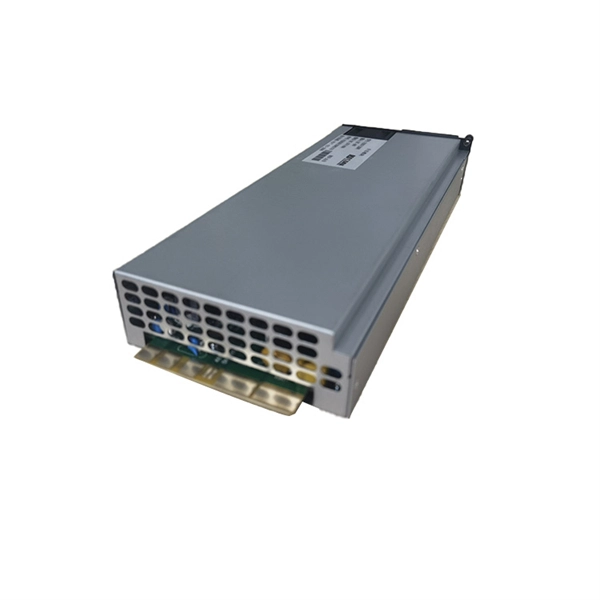
Access Switch IP MAC Binding
Use IP-MAC binding to prevent ARP spoofing. The port accepts a packet only if the source IP address and source MAC address in the packet match an entry in the IP-MAC binding table. You can enable or disable IP-MAC binding for the whole switch, and you can override this global...
[PDF Version]
-
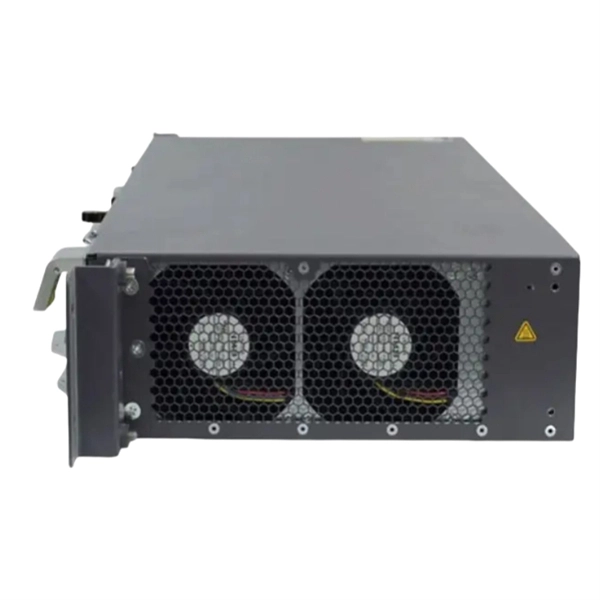
How to check the core switch IP address on a PC
Open the Command Prompt by pressing the Windows key + R, typing "cmd" in the Run dialog, and pressing Enter. Scroll through the results until you find the network adapter that is connected to your switch. While it might seem like a technical hurdle, several straightforward...
[PDF Version]
-
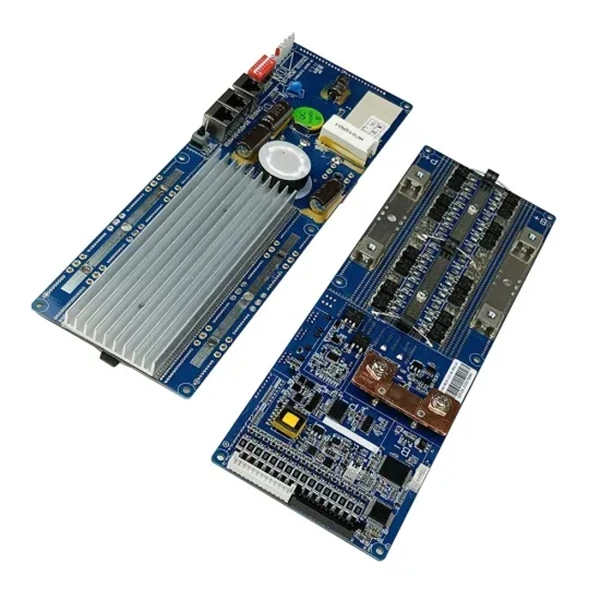
Can t the KVM switch connect to a USB drive
First, connect the USB device directly to the computer. If the device is not recognized when directly connected, troubleshoot the device, driver, system permissions, or computer USB port before testing. A KVM switch is designed to let multiple computers share one keyboard...
[PDF Version]