
Intelligent Patching Ip
Search optical fiber, connectivity, cable management and network infrastructure references.
- Intelligent
- Patching
Articles and technical references
8 on this page-
Smart City Butterfly-shaped Fiber Optic Cable Intelligent Type
This specialized indoor cable combines a unique flat, butterfly-shaped profile with dual fiber pathways, setting new standards in the fiber optic industry. As one of the premier fiber optic cable manufacturers, Yuhong has engineered this cable to provide superior flexibility...
[PDF Version]
-
Intelligent Ceramic Fuse Type
Select Speed Type: Choose slow-blow for motors or capacitive loads; fast-acting for ICs and rectifiers. Check Breaking Capacity: Ensure the fuse can handle worst-case short-circuit current in your system. Verify Certification: Confirm UL, CSA, TÜV, or equivalent listing...
[PDF Version]
-
Intelligent Networked Control Distribution Box
This intelligent power distribution unit (PDU) remotely manages and controls the power supply of up to 4 devices via TCP/IP and network connection. Ideal for remote control and management of electrical equipment, whether commercial, residential or industrial. **SEO...
[PDF Version]
-
Is the PDU power strip intelligent
Unlike basic power strips, PDUs offer advanced functionalities, including remote monitoring, outlet-level control, and environmental sensors. Its fundamental job is to deliver reliable power to your critical IT equipment. The choice between a "Dumb" and a "Smart" PDU has...
-
How to check for IP conflicts on an aggregation switch
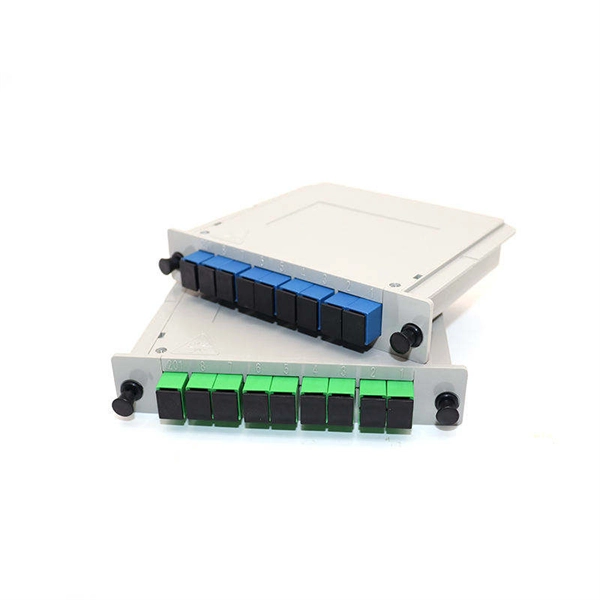
Run arp -a (Windows) or arp (Linux) to check ARP entries for the conflicting IP. Use commands like show arp or show mac address- table to identify which ports have devices responding to. Modern IP conflict detection tools continuously scan for duplicate IP addresses, log...
[PDF Version]
-
How to use the IP address of an industrial Ethernet switch
Prepare the default IP address, username, and password of the switch. How to configure DHCP vs static IP on an industrial Ethernet switch? Configuring DHCP vs Static IP on an Industrial Ethernet Switch 1. Accessing the Switch Management Interface Use the switch's console...
-
Configuring a Static IP Address for the TP5428 Core Switch
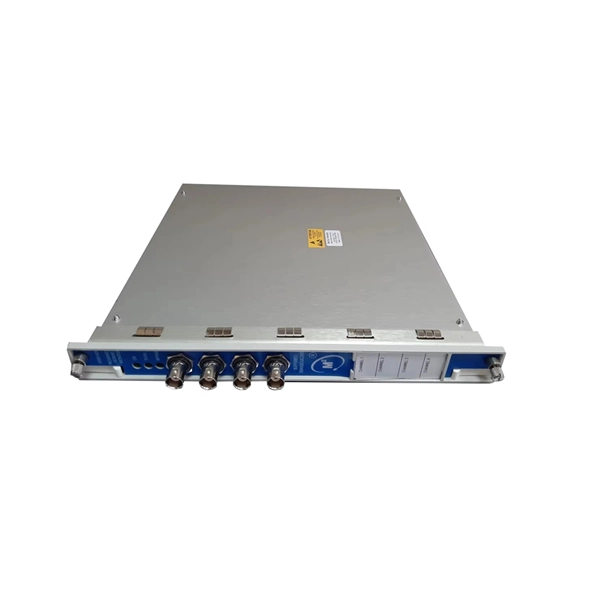
1) Go to page L3 FEATURES > Static Routing > IPv4 Static Routing Config. Click to load the following page and configure the parameters related to the switch's gateway. Page 1 TL-SG5428 24-Port Gigabit L2 Managed Switch with 4 SFP Slots TL-SG5412F 12-Port Gigabit SFP L2...
[PDF Version]
-
How to configure a fiber optic broadband IP address and a wireless router
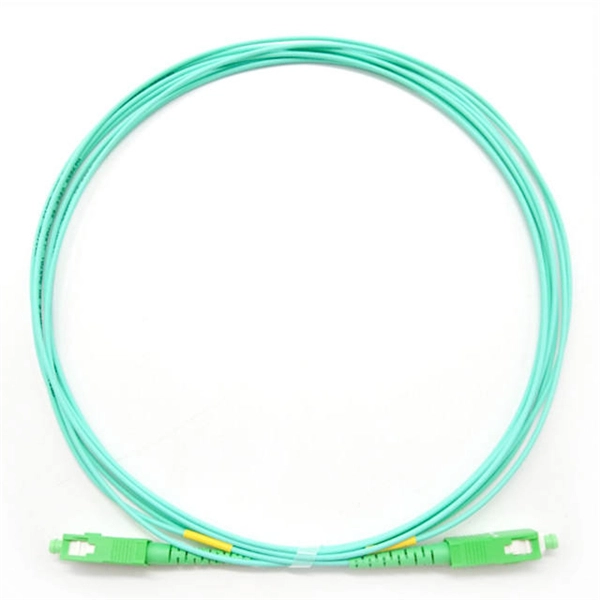
To set up your router for fiber internet quickly, connect the router to your fiber modem, access the router's settings via a web browser, and input the provided ISP credentials. Make sure to update the firmware, configure Wi-Fi security, and customize your network name for...