
Technical notes
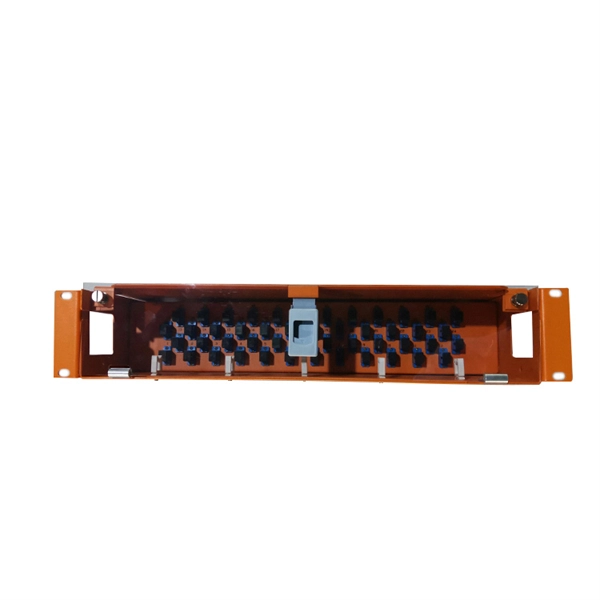
KVM Doesn''t Power On
Problem The switch does not power on, I can get a green light when A/B USB is plugged in, but no red light or beeps (switching no longer works). I have tested the supply voltage from the
Expert Solutions for KVM Switch Issues
The kvm switch was powered and instead of working normally, it started beeping and blinking continuously. We powered on and off several times but the issue persist.
Common Problems with KVM Switch & Solutions (PART
Solution: First, check if the switch''s power indicator light is on and ensure the power source is properly connected. If there''s a power switch, make
How to Fix Kvm Switch – Sage Datum
Inspect Power Indicator Lights: Many KVM switches have LED indicators. If these aren''t lit, the device may not be powered properly. Test Cables: Examine all cables—video, USB, and
User Manual
Belkin has developed this unique Secure KVM switch with the highest possible security in mind, assuring no leakage of information between connected computers through any channels including
VERTIV SC 940 USER MANUAL Pdf Download
View and Download Vertiv SC 940 user manual online. Secure KVM Switch 4-Port, Dual-Head. SC 940 switch pdf manual download. Also for: Sc 945, Sc 940d, Sc
The KVM switch power light is off and nothing is working. What should
Make sure the USB-C or DC power source is properly connected. Ensure at least one input computer is turned on. Try using a different USB-C port or connect an external DC power adapter (not included)
Why are the LEDS on the front panel of the GCS1212TAA or
There is no recover from this type of failure If the LEDS are solid this means a non authorized device has been connected to the KVM such as a CAC card reader keyboard like the GKBSR201.
L1KVM no power
KVM Model: 1.4 Display Port KVM Switch - Dual Monitor - Two Computer USB Interface (5-gigabit or 10-gigbit): 10-gigabit Problem: Seems like the KVM is no longer getting power. Only a
KVM No Longer Working
Problem: KVM just stopped working as I was using it today. Switched inputs and the screen just went black and went unresponsive. The two greenlights for each input are on and
StarTech P2DD46A2-KVM-SWITCH Quick Start Manual
View and Download StarTech P2DD46A2-KVM-SWITCH quick start manual online. Dual Monitor KVM Switch - DisplayPort - 4K 60Hz. P2DD46A2-KVM-SWITCH switch pdf manual download. Also
Having Issues With Purchased KVM
So, for reference, the power LED is green when plugged in, I just don''t have a red light. I tried unplugging the power brick for a few minutes and tried it again, but still no dice.
Troubleshooting monitor problems when connected to a KVM switch
Connect a different monitor to the same user port on the KVM switch. Ensure both switch and monitor are plugged in and powered on (green LED indicates power on) and that the correct monitor input is
KVM seemingly non-functioning and unresponsive
KVM Model: PAAG-E3124B USB Interface (5-gigabit or 10-gigabit): 5-gigabit (I think? Not sure how to tell) Problem: The KVM seems to no longer work or respond to button presses. When
Ports Going Bad On A KVM Switch
When I booted the systems up, the red indicator light came on showing it detected a device, but the green connect light just flashed. I double checked all of the connections both on the
Displayport 1 2, kvm Switch, KVM, displayPort, switch, electronics
Displayport 1 2, kvm Switch, KVM, displayPort, switch, electronics Accessory, electronic Device, technology, mobile Phone Accessories, portable Communications Device
KVM Switches General Troubleshooting | StarTech | Europe
Use the video cable, KVM switch, video source, and video destination in another setup to see if the problem is with the components or the setup. Use a different video cable, KVM switch, video source,
Instruction Manual IP KVM Switch
an enterprise-class KVM switch. When these conventional KVM switches are combined with the IP KVM switch, this key makes accessing their built-in menu easier, especially from the Java client. This
Related Video Reference
This video was associated with the source search result. Verify technical details against current product documentation and project requirements.